
-
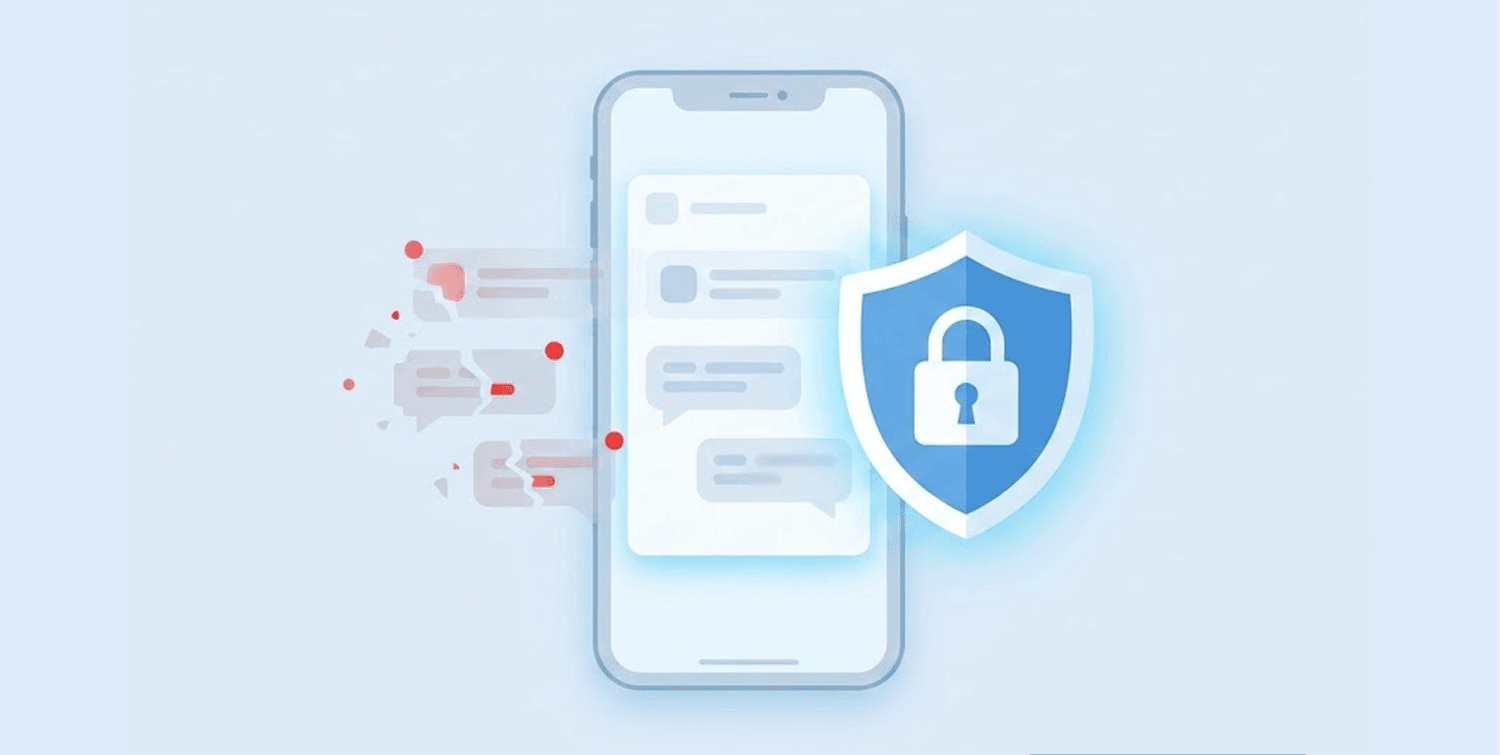
Apple has fixed a notification logging bug that allowed the FBI to extract incoming Signal messages from iPhones even after users deleted the app.
-
The FBI accessed Apple’s internal notification database, not Signal’s encryption – this means message previews stored for lock screen display remained recoverable for up to a month.
-
Users should update to iOS 26.4.2 or iOS 18.7.8 and disable message previews in Signal, they will select “No Name or Content” in notification settings for maximum privacy.
In response to a major privacy problem, Apple has pushed out an emergency security update to its operating systems. The issue was that law enforcement, including the FBI, could get their hands on incoming Signal messages from an iPhone even if the user deleted the app from said iPhone.
The vulnerability, which has been assigned a CVE number (CVE-2026-28950), affected the notification service component of iOS and iPadOS. Apple has acknowledged that, although users deleted notifications, however, for some reason, they continued to reside on the device, which caused users of secure messaging applications to have a horrible privacy issue.
How the FBI accessed deleted signal messages through notification logs
A recent criminal case in Texas first exposed this privacy vulnerability. To extract incoming Signal messages from a defendant’s iPhone, forensic investigators accessed the iPhone’s internal notification database – rather than hacking the encryption of the Signal app itself.
The FBI did not hack Signal’s end-to-end encrypted messages or exploit any weakness in the Protocol of Signal. The agency obtained evidence from Apple’s push notification system, which temporarily stores the content of messages for lock screen preview. This notification data persists even after users delete the original messages or uninstall the app entirely.
According to the court testimony, investigators could only recover the incoming messages, not the outgoing ones, because the outgoing messages do not travel through Apple’s push notification infrastructure, and, therefore, do not leave a trace record in the system’s database.
But incoming messages pass through the push notification structure, dropping traces in the database. Outgoing messages bypass this pathway entirely, explaining the limitation.
Apple later confirmed that the bug caused notifications marked for deletion to remain on devices for up to a month, turning routine iOS behavior into an unintended security gap.
Signal welcomed Apple’s fix after raising concerns about notification storage
Signal President Meredith Whittaker publicly called on Apple to address the issue after the FBI’s extraction technique became public. Whittaker stated that notifications for deleted messages should never remain in any operating system database.
According to Signal, they have not recorded any compromise on their encryption – the only flaw is with Apple’s notification service, which Signal thanked them for quickly resolving, as well as for making sure users do nothing but install the security update on Apple devices.
The messaging platform noted that no user action is required beyond installing Apple’s security patch. Once users update their devices, all inadvertently preserved notifications will disappear automatically, and future notifications will no longer remain stored for deleted applications.
Keeping software updated is equally important for routers. The AVrecon malware campaign that infected over 369,000 devices succeeded largely because users failed to apply security patches, allowing criminals to recruit their routers into a global botnet used for proxy services and malicious activities.
How iPhone users can protect their messages going forward
Apple provided updates in iOS 26.4.2 and iPadOS 26.4.2 on April 22, 2026. The company had also backported those patches to support legacy devices with iOS 18.7.8 and iPadOS 18.7.8. The updates will affect everything from iPhone 11 models and higher, and many different versions of iPad models.
The Electronic Frontier Foundation, a privacy rights organization, encourages all users to keep their devices up to date with the most recent operating system releases as soon as possible. You may also wish to configure how you receive message notifications from Signal in order to get an additional layer of security for your messages.
If you go to Signal Settings, then select Notifications and “No Name/Content” from the Show Menu. That will prevent the contents of any of your messages from showing in your notifications so that they never even get into the notification database on your mobile device.
The Electronic Frontier Foundation also points out that when you send a push notification to someone via Signal Messenger, it routes through Apple’s servers prior to delivery to the recipient’s mobile device. This means metadata about which apps send notifications may remain visible to the company regardless of encryption settings.
