
-
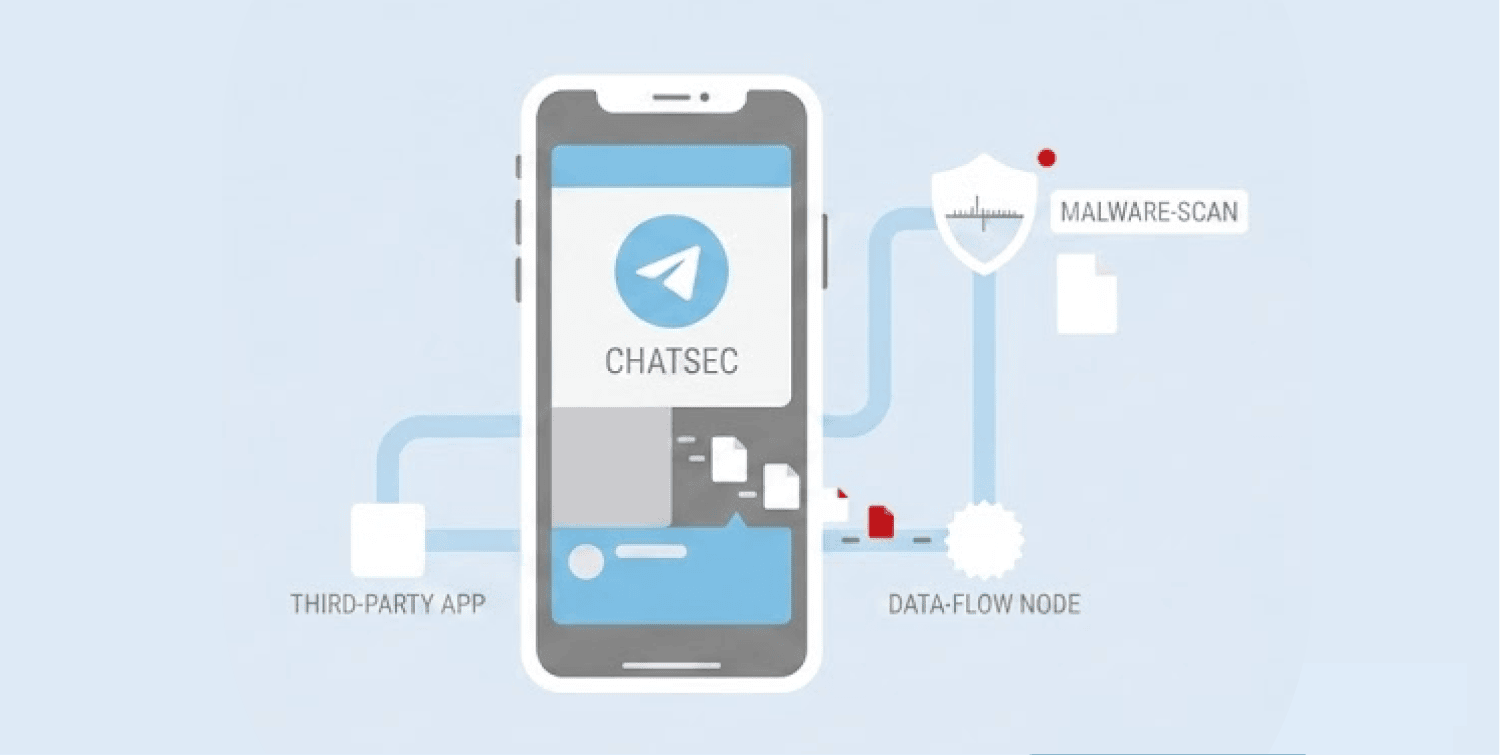
A trojanized version of Telegram (v12.6.5) circulated through APKPure, one of the web’s largest third-party Android app stores.
-
The fake app contained a hidden data collection tool that sent contacts, images, and documents to a remote server without users knowing.
-
Only one antivirus engine on VirusTotal flagged the file at the time of discovery, leaving most users completely exposed.
A fake version of Telegram quietly made its way onto APKPure, one of the most visited third-party Android app stores on the internet. The counterfeit app looked identical to the real thing but ran a hidden operation in the background, sending users’ contacts, images, and files to a remote server without their knowledge.
Security researcher Eric Parker first flagged the threat. He decompiled the suspicious APK (version 12.6.5) using JADX, a standard reverse-engineering tool, and found a hidden DataCollector class buried inside the code.
That class contained hardcoded endpoint URLs pointing to a command-and-control server at IP address 38.190.225.166, with collection paths built specifically to pull contacts, images, and documents. APKPure has since removed the listing. The malicious sample, however, remains publicly available for analysis on MalwareBazaar.
Researchers confirm the find, call it crude but effective
The cybersecurity community moved fast after Parker’s discovery. Multiple researchers independently confirmed the finding within hours. Their collective assessment was blunt: whoever built this did not rely on sophisticated techniques.
According to @iShowCybersecurity, a hardcoded C2 IP paired with batch collection endpoints sitting inside a DataCollector class is exactly what a textbook infostealer looks like. The researcher added that users should never sideload Telegram from third-party stores and should pull it only from telegram.org directly.
@t31k0n echoed that view. According to the researcher, the presence of a hardcoded C2 server on top of everything else pointed to a barely sophisticated operation.
Crude or not, the malware worked. It ran silently while the app behaved completely normally. Users had no obvious reason to suspect anything was wrong.
Telegram users face risks beyond fake apps. An independent audit revealed that the official Telegram app exposes a permanent device identifier that could enable passive tracking of users across networks.
The detail that alarmed the community most, however, had nothing to do with what the malware did. It had everything to do with what failed to catch it.
Only one antivirus engine on VirusTotal raised a flag
At the time of discovery, only one antivirus engine on VirusTotal flagged the fake Telegram APK as malicious. That engine was Ahnlab-V3. Every other scanner on the platform missed it entirely. According to researcher @ArtemR, that result amounted to nearly the entire field of detection tools failing at the same time.
For anyone relying on device-level antivirus protection, that gap is significant. The malware operated with near-total cover across the industry’s most widely referenced file-scanning platform.
@Breachrr described this kind of attack as one of the quietest credential exposure methods in circulation. According to the researcher, the app behaves normally, blends in completely, and exfiltrates data in the background. By the time a user notices anything unusual, the tokens and passwords are already gone.
That timeline matters. Users who installed the app days or weeks ago may have had their data collected and transmitted long before this alert surfaced.
What affected users need to do immediately
Researcher @BaximusCyber of Onyx Digital offered the clearest damage-control guidance. Uninstalling the app is not enough. Anyone who installed Telegram from APKPure should treat their data as already compromised.
The first step is opening Telegram, navigating to Settings, then Devices, and terminating all active sessions immediately. After that, users must change passwords on every account they accessed from that device.
The final step is reinstalling Telegram exclusively from telegram.org or the Google Play Store. Telegram offers its own official APK directly on its website for users who prefer to avoid the Play Store. That option removes the need for third-party stores entirely.
The broader lesson here is not that sideloading is inherently dangerous. It is that the source of the file determines everything. Third-party app stores carry no verification guarantees.
A file can look legitimate, carry the right name, and pass a casual inspection while quietly running a data operation in the background. This case proves exactly that.
