
-
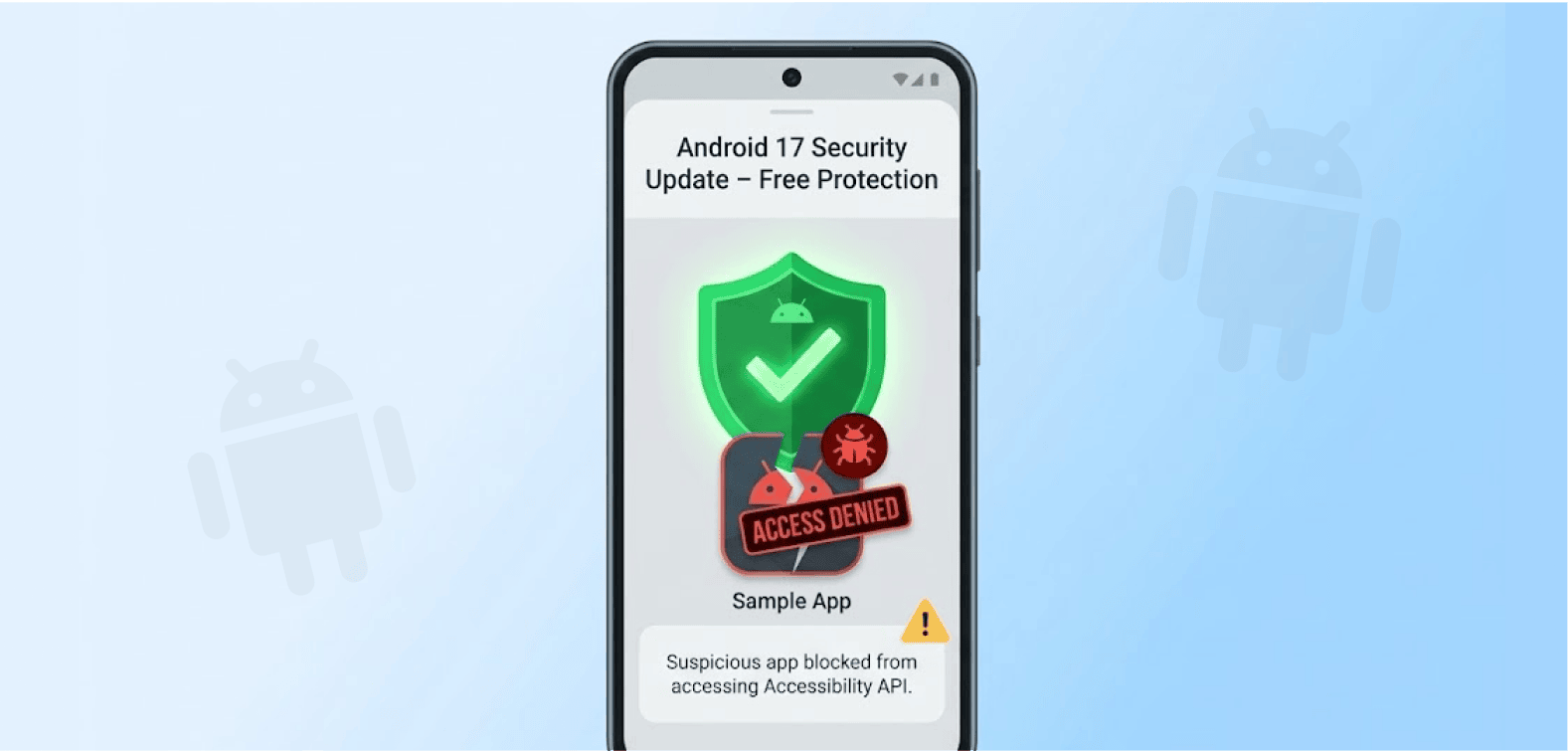
Google rolls out a fresh security restriction in Android 17 Beta 2 that blocks non-accessibility applications from using accessibility services.
-
The change targets malware that exploits accessibility APIs to steal sensitive data from Android devices.
-
Users enrolled in Android Advanced Protection Mode will see automatic revocation of accessibility permissions for apps that don’t qualify as genuine accessibility tools.
A major security upgrade just landed in Android 17. Google is closing a door that hackers have been exploiting for years.
The tech giant targets a specific vulnerability that cybercriminals love. They’ve been abusing Android’s accessibility features to steal your data. Now Google says enough is enough.
Google tightens security controls
Google brought in a new ban through Android Advanced Protection Mode (AAPM), a feature the firm first deployed in Android 16. Android Authority noticed the change in Beta 2 of Android 17 last week and disclosed the updates with the tech community.
AAPM behaves just like the Lockdown Mode on Apple’s iOS. Users can turn it on with just one tap. The device’s security then hardens, thus, blocking sophisticated attacks.
These protections are desperately needed. Just months ago, Google shut down a massive proxy network that was abusing millions of Android phones without their owners’ knowledge, turning ordinary devices into criminal infrastructure through the very accessibility features Android 17 now aims to lock down.
The mode already includes several strict controls. Google blocks app installations from unknown sources. The system restricts USB data transfers. Google Play Protect scanning becomes mandatory for all apps.
Now Android 17 adds another layer. The operating system will prevent apps from accessing accessibility services unless they meet specific criteria. Google sets clear boundaries for what qualifies as an accessibility tool.
“Developers can integrate with this feature using the AdvancedProtectionManager API to detect the mode’s status, enabling applications to automatically adopt a sturdy security stance or block risky functionality as soon as a user opts in,” Google explained in its technical documentation.
What counts as an accessibility tool?
Google draws a hard line on which apps deserve accessibility access. The company identifies legitimate accessibility tools with a special flag: isAccessibilityTool=”true”. Only apps carrying this designation get a pass.
So what makes the cut? Google approves screen readers for visually impaired users. Switch-based input systems qualify. Voice-based input tools and Braille-based access programs also make the list.
Everything else gets blocked: Antivirus, Automation tools, digital assistants, system cleaners, monitoring apps, custom launchers, and password managers.
The AccessibilityService API serves genuine purposes. Google designed it to help users with disabilities navigate Android devices and apps more easily. But criminals saw an opportunity. They’ve weaponized these features to steal passwords, banking credentials, and personal information from infected phones.
Automatic permission revocation kicks in
Google makes the enforcement automatic. Any non-accessibility app that previously had permission will lose it the moment you activate AAPM. The system strips those privileges without asking.
Users won’t be able to grant accessibility permissions to unauthorized apps while the protection mode stays active. You’d need to disable AAPM first. This prevents social engineering attacks where hackers trick users into granting dangerous permissions.
Android 17 brings another privacy win alongside this security update. Google introduces a new contacts picker that gives users granular control. App developers can now define exactly which contact fields they need (phone or email).
Users also get to choose which particular contacts they wish to give out to third-party applications. According to Google’s note, apps will have access to just the given data, guaranteeing granular control.
This double punch, blocking malicious accessibility abuse and limiting contact access, shows Google’s commitment to user privacy. Malware developers have exploited accessibility features for too long. The abuse became so widespread that security researchers regularly warn Android users about granting these permissions carelessly.
Advanced Protection Mode won’t sit well with everyone. However, for activists, journalists, executives, politicians, and anyone facing targeted attacks, AAPM comes in handy. The accessibility API restriction removes a major weapon from the attacker’s arsenal.
