
-
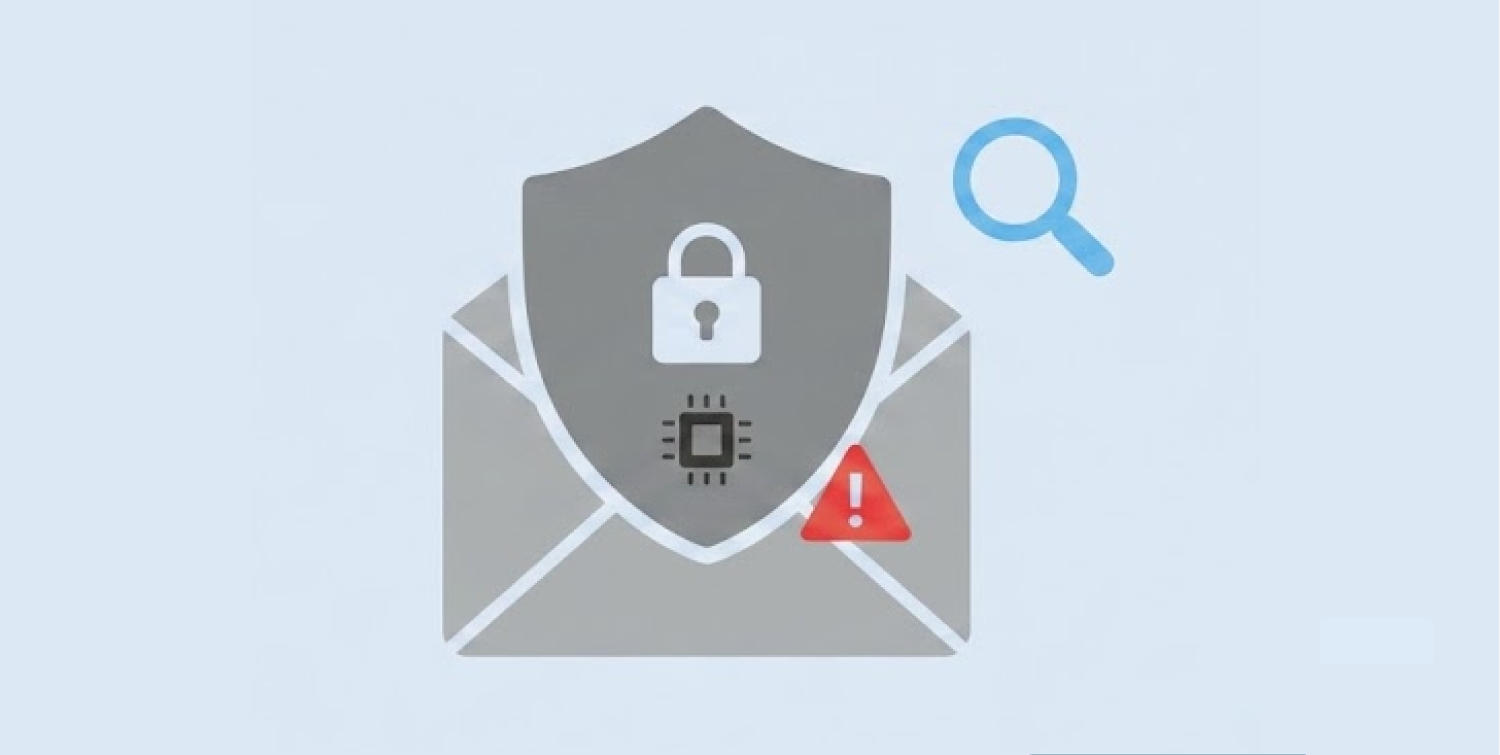
Google faces a class-action lawsuit as it made default AI scanning available across private Gmail, Chat, and Meet messages.
-
Users must navigate hidden settings submenus on desktop and mobile devices to disable automated smart features completely.
-
Privacy experts recommend purging saved Gemini activity logs and switching to end-to-end encrypted services like Tuta Mail for sensitive communications.
A significant privacy class-action lawsuit has been filed against Google over the usage of AI systems that identify and read personal messages of users. The lawsuit claims that Google has allowed automated scanning on thousands of private Gmail, Chat, and Meet accounts without detection.
Google has activated these features automatically and has not received the authorized consent from account owners. Consequently, digital privacy advocates now urge users to review their account permissions and disable hidden data-tracking options immediately.
Hidden smart features and extent of inbox scanning
The automated artificial intelligence tools continuously inspect complete email conversations along with attached digital documents. The underlying scanning algorithms cover sensitive personal files, including private banking records, official tax documents, and personal medical letters. Furthermore, internal systems extract details regarding employment contracts, legal agreements, personal relationships, and everyday online habits.
Google previously required account holders to opt in manually before activating personalized smart features across its consumer ecosystem. However, the company recently updated its default operational settings, making data processing active by default for all registered accounts.
While Google claims that these automated processes simply provide helpful typing suggestions and smart organization, privacy lawyers highlight broader corporate risks. The lawsuit asserts that extracting detailed information from private messages creates deep behavioral profiles for individual users.
Google also faced privacy claims over Assistant, agreeing in January 2026 to a $68 million settlement over allegations that false activations recorded private conversations without consent and sometimes shared audio with third-party reviewers.
Moreover, these data collection practices apply automatically to personal accounts unless users actively hunt through obscure configuration submenus. According to independent security analysts, invisible tracking settings violate fundamental user privacy and corporate transparency expectations on the modern web.
Additionally, the processing of personal inbox attachments presents special risks of data exposure for users and small business owners. The training of artificial intelligence models relies upon ongoing data input for improving their language processing and pattern recognition systems.
While important documents get through automated scanning pipelines, confidential information is recorded in company server logs where tech staff are handling operations. This means email users who keep confidential materials in their accounts experience uncontrolled leaks of information that go beyond just simple automated sentence completion.
Step-by-step guide to disabling primary desktop settings
Account holders must navigate multiple administrative submenus on desktop web browsers to halt automatic email scanning completely. Users should open the main Gmail web interface and click the upper gear icon to view all system settings.
Under the general settings tab, scroll down carefully to locate the specific section labeled smart features and personalization. Uncheck the box granting permission for smart features across Gmail, Chat, and Meet, then save all operational changes.
However, turning off that single main control does not fully stop automated data access across connected Google Workspace services. Users must locate a second hidden toggle positioned on that same administrative settings page.
Click on the manage link located directly under the Google Workspace smart feature settings header to open advanced controls. You must turn off both checkboxes displayed on that sub-screen before saving your updated account preferences. Leaving either checkbox enabled allows internal systems to continue processing your account communications for connected workspace integrations.
Moreover, desktop browser extensions and third-party email clients might actually bypass your main account settings without notice. Customers should check the app access permission status in their main Google account management panel, which allows them to cancel any unnecessary access.
Turning off unnecessary third-party API tokens means that other software plugins cannot circumvent your updated privacy settings. Spending some time eliminating redundant access permissions stops the other applications from accessing your personal text messages without your knowledge.
Managing mobile app permissions and removing historical Gemini data
Privacy preferences do not automatically synchronize between desktop web browsers and mobile application instances across mobile operating systems. Therefore, smartphone users must check their application settings independently on every mobile phone or tablet device they own.
Open the mobile Gmail app, access the main navigation menu, and scroll down to open the central account settings page. Select your specific profile email address and turn off the smart features toggle switch manually. Confirm the selection to prevent your mobile application from sharing message details with background AI servers.
Furthermore, users who previously interacted with Gemini AI features must purge stored conversation records manually to protect their privacy. Saved conversation histories can remain stored on secure cloud servers where human reviewers inspect selected interaction logs for quality control. Navigate to the official Google activity portal dedicated to Gemini tools using any standard web browser.
Turn off the activity tracking toggle completely and select the built-in option to delete all stored historical data. This critical step removes previous conversation logs permanently and stops future chat exchanges from staying in corporate databases.
Moreover, clearing local cache files and resetting mobile application data helps flush out remaining temporary files stored on mobile devices. Smartphone operating systems frequently store offline data copies to speed up local search indexing and message rendering times.
Manually clearing your mobile cache ensures that cached document scans and message fragments do not remain accessible to local device indexing tools. Taking these additional device management steps ensures complete isolation between your physical mobile hardware and remote data pipelines.
Migrating sensitive Email communications to encrypted platforms
While adjusting internal privacy controls offers basic defense, dedicated privacy tools provide far stronger long-term data security. Everyday email users handling sensitive financial, medical, or legal documents should consider moving critical communications to specialized platforms.
Standard cloud mail providers regularly process messages on remote servers to serve targeted advertisements or power automated features. Using dedicated security services ensures your confidential communications remain private and completely inaccessible to external scanning machines. For instance, moving over to Tuta Mail, where the use of end-to-end encryption allows for full confidentiality of messages on all devices.
Encryption mail service encrypts messages locally on the side of the sender before the data is sent out of the device. Consequently, external AI models, internet service providers, and remote cloud servers cannot read message text or extract attached files. Security experts recommend keeping standard Gmail accounts for general newsletters or online store subscriptions while routing sensitive private matters through encrypted mail channels.
Additionally, adopting multi-layered communication habits helps protect your digital footprint across the entire internet. Users should consider utilizing separate pseudonymous email addresses when signing up for secondary online services or public discussion forums.
Splitting online activities across isolated communication channels prevents automated data tracking tools from constructing unified behavioral profiles. Combining encrypted email services with smart account compartmentalization gives everyday consumers complete control over their personal information and digital privacy.
