-
You can watch FIFA World Cup matches for free through official broadcasters in selected countries.
-
Using a NordVPN can help you securely watch FIFA World Cup streams when you’re abroad or facing geo-restrictions.
-
We’ve rounded up the best free and legal ways to watch every FIFA World Cup match online from anywhere.
The FIFA World Cup 2026 is around the corner, and the fans are looking for free ways where they will be able to stream it. The truth is, this World Cup event will be broadcast differently on different platforms according to their streaming rights and locations. So, the free streaming isn’t yet promised everywhere.
Some countries, like Australia and the UK, allow people to stream the tournament for free on their official platforms. But users in Germany and France will only be able to access certain matches for free, as platforms broadcasting the rest of the matches will require paid subscriptions. The worst part is, even if you find a free streaming website for your streams, most of them have geo-restrictions.
Keeping all of these things in mind, we did our research and put together easy ways how you can still manage to stream the FIFA World Cup 2026. We’ll discuss top platforms along with how you can bypass geographical restrictions.
Where to watch the World Cup – Quick list
Running late? Below, we are highlighting the top platforms where you could stream the FIFA Cup for free:
- YouTube TV: A popular live TV streaming service. You can stream major tournament matches live here.
- DirecTV: Offers access to many channels related to sports.
- Fubo TV: A streaming platform dedicated to sports fans.
- Peacock TV: Lets users stream FIFA live matches in Spanish through Telemundo.
- FOX One: Relatively new platform that offers live coverage of matches and exclusive tournament content.
How to use a VPN to stream the FIFA Cup safely
Here’s how you can bypass restrictions while streaming live Football events and the World Cup tournament from anywhere:
- Choose a VPN service. Get one with a vast server network and robust obfuscation; we recommend NordVPN.
- Download the application and connect to a server where the streaming platform is available. For example, to watch in English, the best picks are the UK and Australia.
- Visit the website and start streaming without worries.
Best sites to watch the FIFA World Cup – Detailed list
If you’re interested in free sports streaming beyond the World Cup, our guide to the best free sports streaming sites covers top platforms for watching football, basketball, baseball, and more:
1. YouTube TV
YouTube TV is the live streaming service from YouTube. It has all the channels that can let you access the tournament, such as Universo, FS1, FOX, and Telemundo.
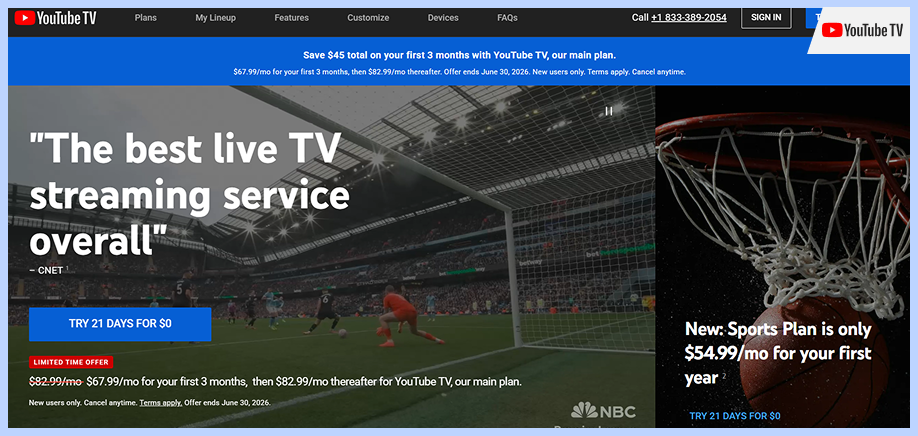
The service isn’t free; it costs around $82.99 per month. However, you can get a free trial for yourself and can enjoy it for 21 days. And for new users, YouTube TV also offers a discount, so you can actually get a subscription for $67.99/month instead of $82.99 for the first 3 months. The plan allows you to create 6 profiles and allows 3 simultaneous streams at a time. If you’re a sports lover, the service offers a dedicated “Sports Plan” for you with additional sports content, starting from $54.99/month.
However, YouTube TV offers more than just sports. Users can enjoy live broadcasts, news, entertainment content, and on-demand content on the platform.
2. DirecTV
DirecTV is a TV provider that allows users to do live streaming on channels online. The website includes content from news, sports, entertainment, and more, depending on the plan you choose.
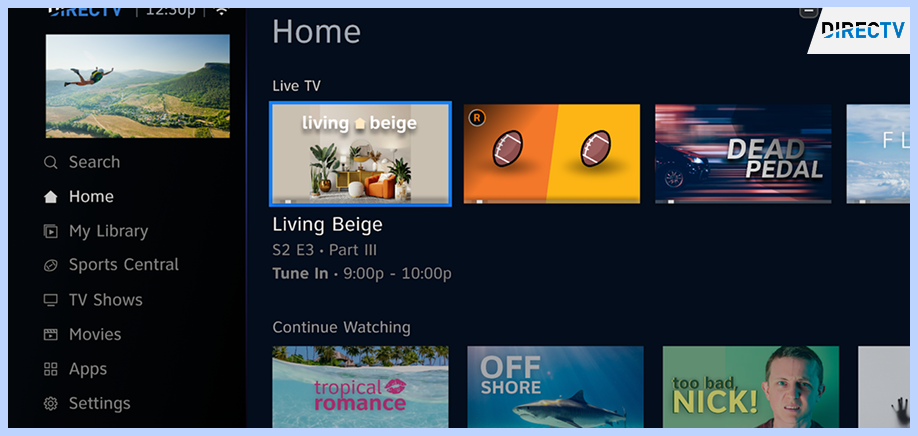
It is another great option to stream the World Cup. Like YouTube TV, you will find here channels that broadcast the live event. Besides this, DirecTV entertainment also offers a free ESPN+ unlimited, which means you’ll get access to every ESPN channel, so no more missing out on sports content.
As you can imagine, DirecTV is a premium service. New users can get the subscription for the first month for $59.99; it will cost $89.99 after that. But the good news is that the service offers a 5-day free trial, so you can try it without paying.
3. Fubo TV

$14.99 monthly
Massive sports lineup
Streaming quality limitations
Fubo TV is a live TV streaming service created mainly for sports fans. From the English Premier League (EPL), UEFA, La Liga, to the FIFA World Cup, users can watch their favorite sports content here.
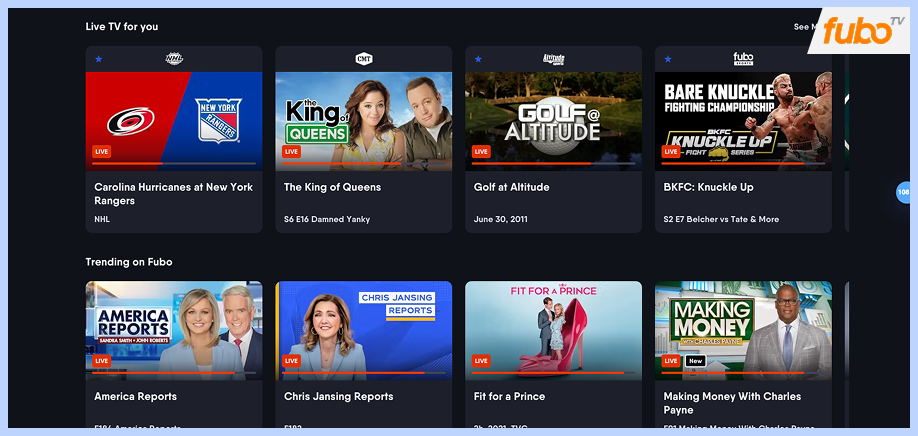
Fubo, just like others on the list, allows you to explore channels related to your preference depending on the streaming rights. But you can’t just access the service for free, though you can use it for five days for free using the free trial, it’s going to cost $55.99/month after that.
4. Peacock TV
$7.99 monthly
A wide range of movies and TV shows
Not available outside the United States
Peacock TV is a premium TV streaming service owned by NBCUniversal. It offers a wide variety of movies, TV shows, and sports, all in one place. While it used to offer a free tier, it’s no longer available, so now you must pay. You can either subscribe to Peacock Premium ($7.99/month with ads) or Peacock Premium Plus ($14.99/month ad-free).
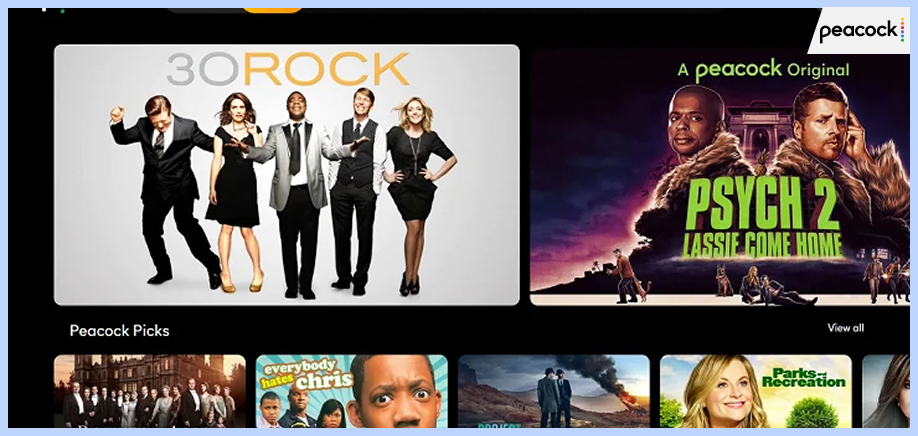
While the service doesn’t offer a direct free trial, you can access it for free if you’ve subscribed to Walmart+. Peacock TV works on almost all devices, including smartphones, TVs, browsers, and gaming consoles.
5. FOX One

FOX One is a new streaming service from FOX, launched in 2025. By using this service, you can have all the channels that are going to broadcast the FIFA Cup, including FOX Sports, FOX News, FOX Weather, FOX Business, FOX Deportes, FS1, FS2, Big Ten Network (B1G), and others.
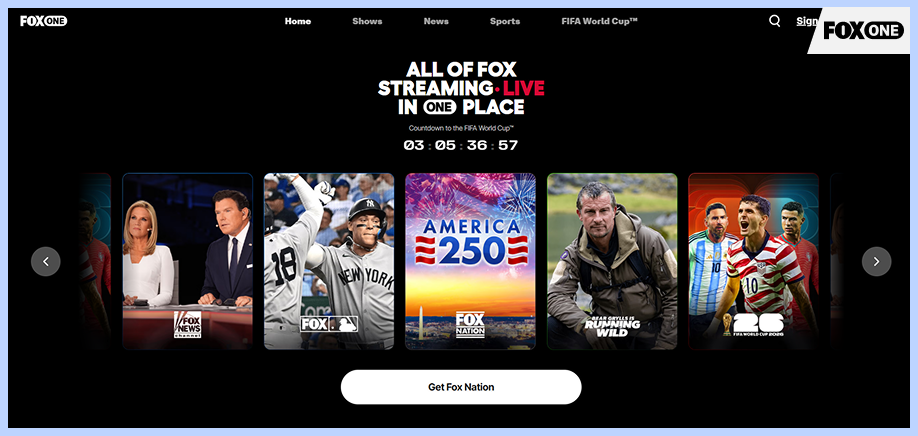
Besides streaming sports, you can access movies and entertainment-related content. The plan starts at $19.99/month, however you can try the service for free for 7 days using the free trial.
For the FIFA World Cup 2026, FOX One is particularly important to have because it streams all 104 matches in the United States. If you subscribe to FOX One, you can watch the entire tournament without needing a cable TV package.
Where to watch the FIFA World Cup 2026 for free in different countries
Most countries offer live broadcasting of the event. The table below discusses the platforms that you can access according to the country you’re based in. Make sure to use a VPN as these websites enforce geo-restrictions.
| Country | Platforms | Free? | Commentary-language |
|---|---|---|---|
| The UK | ITVX and BBC iPlayer | Yes | English |
| Australia | SBS and SBS On Demand | Yes, it’s free in Australia, but requires an account. | English |
| Belgium | VRT MAX and RTBF Auvio | Yes. Free in Belgium, but you may be asked for registration. | French & Dutch |
| Brazil | CazéTV via YouTube | Free on YouTube in the countries where the streams are available. | Portuguese |
| Poland | TVP Sport | Yes, free for Polish users. | Polish |
| Italy | RaiPlay | Yes, but requires sign-up. | Italian |
| Austria | Servus TV | Yes | German |
| Netherlands | NOS | Yes | Dutch |
| Switzerland | Play RTS, Play SRF, and Play RSI | Yes | French, Italian & German |
| Turkey | tabii and TRT World | Yes. Some content will ask you to register. | Turkish |
Pro tip: The platforms that ask you to register an account might need you to enter your postal code. Best is to avoid adding the real one, but to use Google and search for any random postal code and add it.
FIFA World Cup 2026 schedule
The FIFA Cup 2026 will feature around 104 matches in total and it has 48 participating teams. These games will take place across the United States, Canada, and Mexico, making it the largest World Cup in history. The tournament is scheduled to start on June 11, 2026, and will go till July 19, 2026. Here’s a quick look at the FIFA Cup’s schedule:
| Group Stage | June 11–27, 2026 |
| Round of 32 | June 28–July 3, 2026 |
| Round of 16 | July 4–7, 2026 |
| Quarter-finals | July 9–11, 2026 |
| Semi-finals | July 14–15, 2026 |
| Third-place Match | July 18, 2026 |
| Final | July 19, 2026 |
Can you stream the FIFA Cup for free on YouTube?
While YouTube TV allows users to access the tournament, it’s a premium service that only offers a 7-day free trial. For this reason, many users wonder whether they can stream their favorite matches on YouTube. Well, most of them can. YouTube does offer many official World Cup streams, but they have location restrictions.
For instance, CazéTV has the broadcasting rights, but only allows people to stream content from Brazil. LiveModeTV from Portugal is another example. If you’re in another country and want to watch the tournament through these channels, you need a robust VPN service to make it possible.
How to watch the World Cup for free on different devices
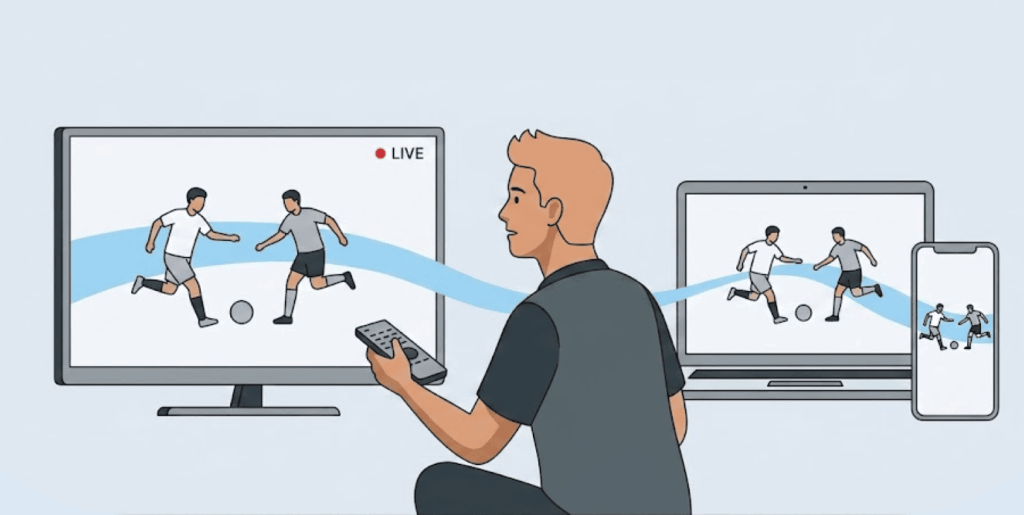
Different devices include different processes that allow you to stream on various websites. These are:
iPhone and iPad
- Recommended method: Use the website’s app, mobile browser, or access YouTube.
- VPN complexity: Easy
- What this indicates: Install the VPN app for iOS, connect to the server, and open the stream in your phone’s app or browser (you choose). It’s the simplest way to unblock geo-restricted streams.
Windows and PC
- Recommended method: Visit the broadcaster’s website in your preferred browser.
- VPN complexity: Easy
- What this indicates: It’s almost the same as on iPhone. Download the VPN app for your PC, open and connect to it. Then visit the site you want to stream the FIFA World Cup on, and you’re good to go.
Android & Tablets
- Recommended method: You can either use the Android app, YouTube, or your mobile browser.
- VPN complexity: easy
- What this indicates: Android devices usually allow you to download both the streaming website’s app and the VPN, so the setup is quite easy.
Apple TV
- Recommended method: YouTube, AirPlay, or streaming app
- VPN complexity: Medium
- What this indicates: Your Apple TV will work only if the broadcaster app is available and your device supports the VPN app. If, for instance, the app is missing or VPN is difficult to set up, you can stream from a Mac, iPhone, or iPad.
Fire TV, Android TV, and Google TV
- Recommended method: Use broadcaster apps or YouTube
- VPN complexity: Easy to Moderate
- What this indicates: Many VPN apps work directly on these devices. Simply connect to a VPN, open the streaming app, and start watching.
Smart TVs (Samsung, LG, Hisense, and others)
- Recommended method: Use apps, YouTube, casting, or HDMI
- VPN complexity level: Moderate to Hard
- What this indicates: Some Smart TVs don’t support native VPN apps. If that’s the case, you can cast content from another device or connect a laptop with an HDMI cable.
Chromecast
- Recommended method: Cast from a computer, phone, or tablet
- VPN complexity: Moderate
- What this indicates: Standard Chromecast devices don’t support VPN apps. You may need to mirror your screen or use a VPN-enabled router to access geo-restricted streams.
Roku
- Recommended method: Use supported apps, YouTube, casting, or HDMI
- VPN complexity: Hard
- What this indicates: Roku doesn’t support VPN apps directly. The simplest workaround is to use a laptop connected to your TV with an HDMI cable.
PlayStation and Xbox
- Recommended method: Use YouTube or supported streaming apps
- VPN complexity: Limited
- What this indicates: Consoles work best for YouTube streams. Know that accessing geo-restricted broadcaster apps can be difficult and may require a VPN set up on your router.
Top VPNs for streaming Football and the World Cup
There are many great VPNs on the market. Though not every one of them will work for your Football streams. The top VPN for watching the World Cup should have:
- A vast server network (especially servers in countries where the streaming platform is available).
- A fast and stable connection so that you don’t face any lag during live events.
- Cost-friendly plans as not every internet user can pay for expensive subscriptions.
For a more comprehensive look at VPNs optimized for all types of sports streaming, including EPL, UFC, NBA, and NFL, check out our guide to the best VPNs for streaming sport.
On the basis of the above criteria, we run our tests on various VPNs and put together a list of the top ones for you.
1. NordVPN
NordVPN is one of the top VPN providers today. It has over 9000 servers in 167+ countries, all of which offer super-fast and stable connections, making it great to stream the FIFA Cup 2026 and other sports.
The VPN is easy to set up and super friendly to use, even if you’re a beginner. It is compatible with almost all major operating systems, including Windows, Android, iOS, mac. The best part is that you can install the VPN on your router and use it on your Smart TV, Nintendo Switch, and Xbox One.
You can grab the VPN for as low as $3.09/month for a two-year plan. And the features are worth the price. New users also get a 30-day money-back guarantee, plus a 3-day free trial specifically for Android if they want to test the service first. For all of these reasons, NordVPN makes it to the #1 of our list.
2. Surfshark
Surfshark is another excellent VPN service, with over 4500 servers in 100 countries worldwide. This implies that, no matter where you are, you can access your favorite sports content from everywhere with the servers available.
Surfshark helps you unblock streaming platforms, and the connection speed is consistent and reliable. The best thing we like about its service is that users can connect as many devices as they want with one account. The VPN is affordable, with a 2-year plan costing $1.99/month.
3. Proton VPN
Proton VPN is a privacy-focused VPN service that is from the same company which created Proton Mail. The VPN offers over 20,000 servers in 148 countries worldwide, and its server network is still increasing.
Proton VPN also offers a free tier, though with limited features. If you want to unlock all features, the plans start from $2.99/month for a two-year plan. The VPN is available on major platforms such as Android, Windows, iOS, and Mac. It also supports modern VPN protocols such as OpenVPN and WireGuard.
What to do if your VPN isn’t working for the FIFA World Cup streams
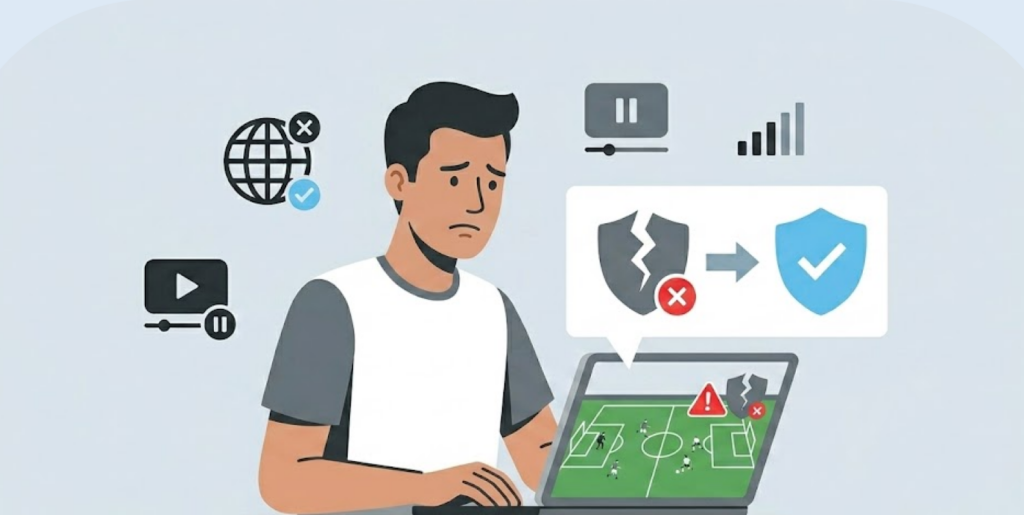
It’s possible that you connect to your VPN, but the site you’re trying to access doesn’t load or shows a location error. Well, there can be various reasons for it. Let’s discuss the solutions on how to fix it:
- Change your VPN server: The problem might be with your VPN server as many websites block certain IP addresses. Try connecting to a new server from the same country, and it will bypass the restrictions.
- Clear cache and cookies: Your browser stores the data of the sites you visit more often to make it easy for you to re-access it. If that’s the case, the site might still be seeing your old location even if you’re connected to a VPN. Clear your cache and try again.
- Use the platform’s web version instead of its app: The mobile applications of most streaming websites have stricter tracking capabilities, so you could be identified easily. As an alternative, access the website on the browser.
- Use incognito: Incognito mode doesn’t enforce any extensions or location trackers, so it may help.
- Disable location or GPS permissions: This is another identifier for the website. Whenever you’re trying to stream, make sure to turn off the location services and permissions in order to avoid any blocks.
- Update your VPN application: Outdated versions of the applications have security patches that are mostly fixed in the updates. So if your VPN app isn’t updated to the latest, make sure to do it now.
- Check for WebRTC or DNS leaks: Check if your VPN connection is facing any leaks. Search for “DNS leak test” online and perform the test.
- Switch to another browser or device: Maybe it’s your browser that is having issues. Change your browser or device and try again.
- Create an account before you connect to a VPN: Most streaming platforms ask you to register for a free account, and these websites block foreign IPs, so make sure you sign up without a VPN.
- Change your VPN service: If you tried all of the solutions above and still have not found your VPN working as you want it to be, it’s time to change your VPN provider. Try choosing a VPN with obfuscated servers like NordVPN.
Conclusion
Are you a die-hard FIFA lover and want to watch the tournament for free? While only a few platforms have broadcasting rights for the event, we mentioned the best ones above. You can subscribe to their free trial and can watch the event for free for the provided period.
Before starting to stream, make sure to get a VPN to bypass restrictions, as most of these websites are geo-restricted in various parts of the world. Also know that you may be asked to register on some of these sites in order to access them.
FAQs
Yes, but for that you need to connect to a VPN in a location where the event is available for free. For example, you can use a server from Australia and access SBS on Demand.
The UK, with streaming options available on BBC iPlayer and ITVX. And Australia comes next, offering live broadcasting on SBS on Demand. These are the top ones, as you can watch the entire event in English.
Office broadcasters enforce geo-restrictions on their content, but you could work around it using a VPN. Get a VPN like NordVPN, connect to a location where the particular streaming site is available and you’re good to go.
Yes, it’s legal to use a VPN in most countries worldwide. However, a VPN can violate the terms and conditions of some streaming platforms, so make sure you act according to the law in order to avoid any problems.
The best VPN is the one that offers a vast server network and should be able to bypass restrictions with ease. We recommend NordVPN as it’s fast, secure and lets you access content from your favorite streaming platforms. Besides the FIFA Cup, you can use it to watch other international events such as the Champions League.