
-
Apple sent spyware threat alerts to users in 110 countries on August 13.
-
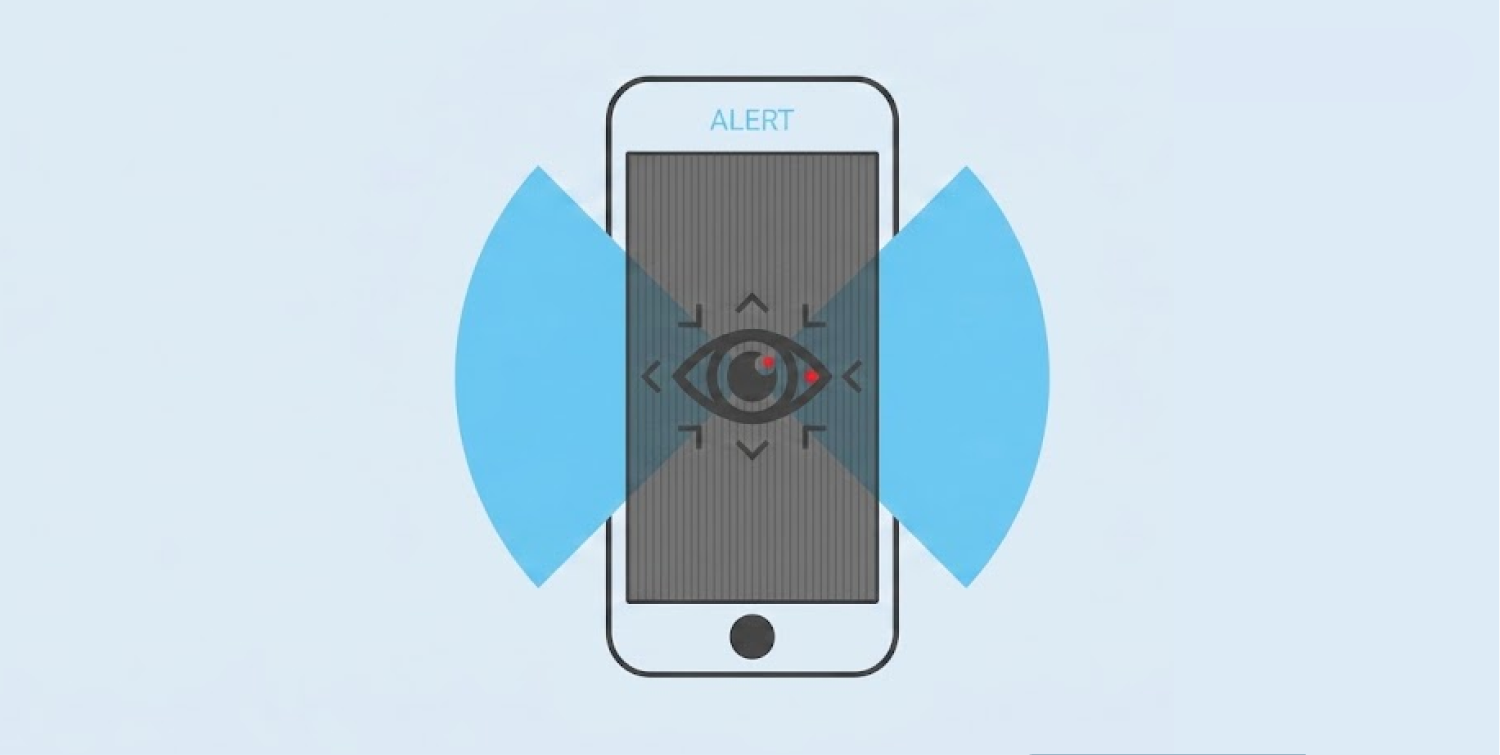
The new alerts can appear on an iPhone Lock Screen, as well as in Settings.
-
The warning means Apple sees strong signs of a targeted attack. But it doesn’t prove that spyware actually infected devices.
Apple has issued a warning against mercenary spyware attacks for several years now. The latest warnings reached users in 110 countries, according to Apple’s August 13 disclosure.
However, Apple didn’t mention the number of people that received the alerts. It didn’t even name the spyware maker. Apple started sending warnings to users in 2021.
Uptill date, the warnings have been issued in more than 150 nations. Most people may never face such an attack, claims the tech company. Still, awareness is important.
The warning now reaches the Lock Screen
Apple has changed how users see these alerts. A threat notice can now appear on both iPhone Settings and Lock Screen. Apple also sends emails to addresses tied to the user’s Apple Account. A notice also appears after the user signs in at account.apple.com.
An email can sit unread for days. A notice on the Lock Screen is much harder to miss. Apple noted that they send these alerts to specific categories of people based on their profession or who they are – like journalists, politicians, activists, and diplomats.
These attacks differ from normal online crime. Spyware firms can spend huge sums to target a small number of people. Apple says they can cost millions of dollars.
A warning does not prove a successful hack
An Apple threat alert is serious. But it does not mean the phone was hacked. Apple calls its alerts high-confidence warnings. They mean Apple has found signs that a person was singled out for a mercenary spyware attack.
Apple does not say what exact signs trigger an alert. The company says that sharing such details could help spyware makers change their methods.
Apple does not link each warning to a named attacker or region. So the latest wave should not be blamed on a specific spyware firm without proof.
Pegasus, made by NSO Group, is one known example of mercenary spyware. Apple has cited Pegasus in its wider discussion of this threat. However, Apple has not said that Pegasus caused the latest alerts.
Lockdown Mode can cut the risk
Apple tells people who get a threat alert to consider Lockdown Mode. This setting adds strong limits to the iPhone. It aims to block paths that advanced spyware may use to reach a device.
Some normal features will not work as usual. Lockdown Mode blocks most message attachments. Some web features also stop working. All incoming FaceTime calls are blocked unless the user called the number in the last 30 days.
The mode also limits some Apple service invites and blocks new configuration profiles. Before a device can connect to any accessory or computer, that device must be unlocked. But if the device is in Lockdown Mode, it won’t be able to link up with unsecured Wi-Fi network on its own. It will also leave such a network when the mode starts.
Apple says users should update their devices before turning on Lockdown Mode. The company calls it an extreme option for the small group facing very advanced attacks.
What the 110 countries indicated in Apple’s Threat Alert really means
While 110 countries might seem huge, it doesn’t necessarily mean there was a mass iPhone hack in those countries. Notably, Apple has yet to say the exact number of people who received the latest notifications. One or more targeted users can put a country on the list.
The wider point is the reach of the mercenary spyware market. These tools can target a small group of people across many regions.
For most iPhone users, the risk remains low. But the Snowflake data breach campaign offers a stark reminder of how stolen personal information can be weaponized at scale. In that case, a Canadian hacker pleaded guilty to compromising 165 organizations and extorting victims for millions using stolen login credentials and accounts without multi-factor authentication.
For most iPhone users, the risk remains low. For someone who receives an Apple threat alert, the risk is very different. That is why the new Lock Screen warning matters. It puts a serious warning in front of the people who need to see it most.
What to do after an Apple alert
Anyone who gets a threat alert should take it seriously. The first step is to check that the alert is real. Apple says a real threat alert will not ask users to click a link. It will not ask them to open a file, install an app or profile, or give up a password or verification code.
Users can type account.apple.com into their browser and sign in. If Apple sent a real alert, a notice will appear at the top of the account page.
Apple urges users to activate Lockdown Mode, and affected users should seek professional assistance. For those who need help with targeted attacks immediately, Apple suggests contacting the Digital Security Helpline from Access Now. Users should avoid deleting the device without first consulting a professional. A security team may need the device to check what happened.
For people who have not received an alert, Apple still recommends basic security steps. Keep devices updated. Use a strong passcode and a strong Apple Account password. Enable two-factor authentication and Stolen Device Protection. Stay away from suspicious links and attachment downloads.
