
-
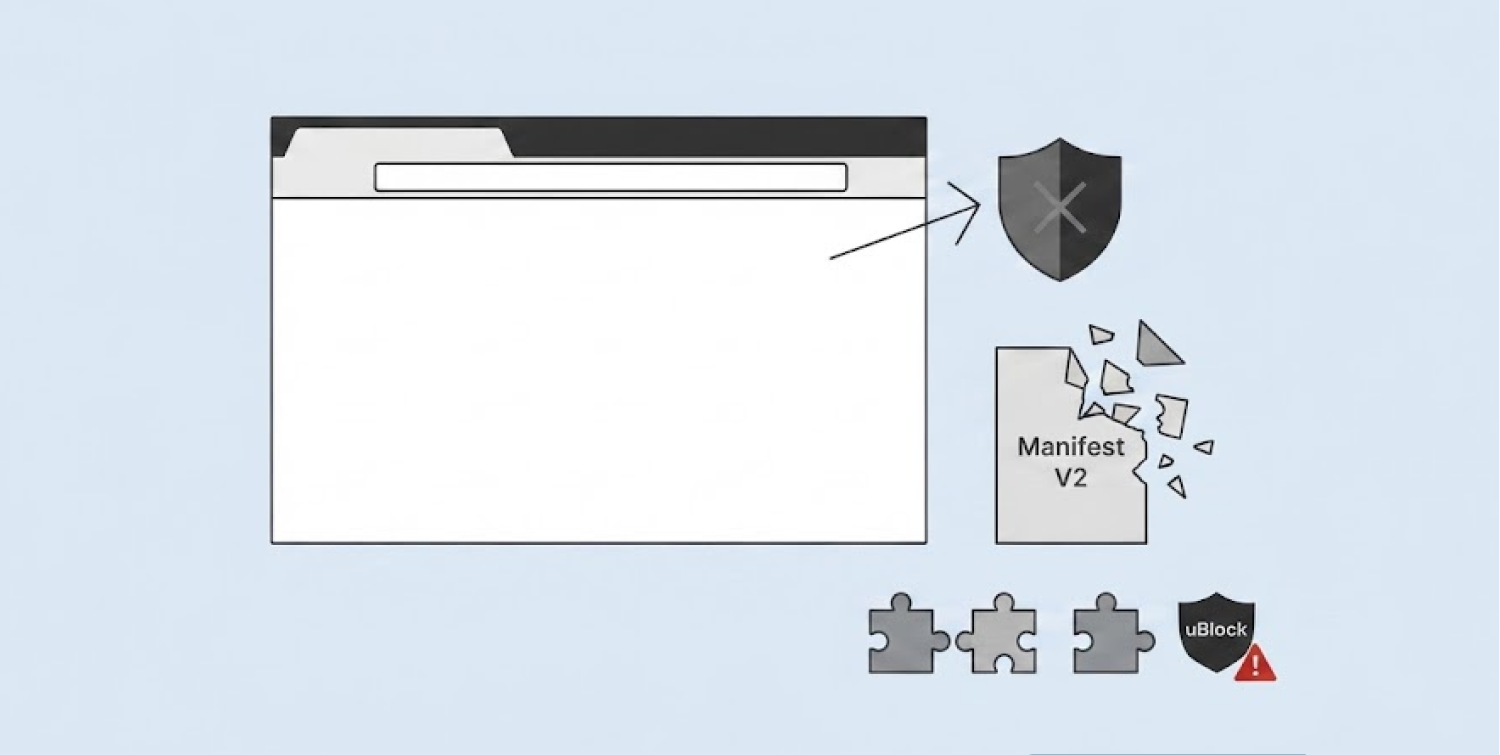
Google pulled the full version of uBlock Origin from the Chrome Web Store on August 31, 2026, closing out its years-long Manifest V2 phase-out.
-
Chrome users can no longer install or reinstall the extension, though copies already on Chrome 138 or earlier will still run without updates.
-
Firefox keeps the full uBlock Origin working, and Brave now hosts it directly, giving users places to turn.
Google has taken one of the internet’s favorite ad blockers off its shelves. The company removed uBlock Origin from the Chrome Web Store on August 31, 2026.
This move closes a long chapter in Google’s push to retire the old Manifest V2 extension system. Chrome users can no longer download or reinstall the full version of the tool through Google’s own store.
The extension has blocked ads and trackers for millions of people for years. Its removal marks a big shift for anyone who depends on strong, free ad blocking inside Chrome.
Google finally pulls the plug on Manifest V2
Google did not remove uBlock Origin overnight. The company had been phasing out Manifest V2 for years before this final step. Chrome slowly shut every workaround that kept old extensions alive. According to media reports, Chrome had already closed the last loopholes months before the August deadline.
The uBlock Origin team saw this coming. They pushed out version 1.74 as the extension’s last stable release built for Chrome. That update fixed scriptlets, cookie handling, and a few compatibility issues- nothing flashy. But developers rushed to finish it before Google’s deadline arrived.
Google says the new Manifest V3 system makes browsing safer. The company argues it improves privacy, security and speed by tightening what extensions can do. However, those same limits hit tools like uBlock Origin hard. The extension relies on deep network filtering to catch ads and trackers before they load. Manifest V3 does not allow that kind of access anymore.
So this removal was not a surprise attack on one extension. It came at the end of a process Google had already mapped out and followed step by step.
Installed copies stay, but updates stop
People who already had uBlock Origin installed will not lose it right away. Google explained that extensions running on Chrome 138 or earlier will remain on the device. However, they cannot receive future updates or be reinstalled once removed from the browser.
Google’s own documentation states that Manifest V2 tools set up on older Chrome versions stay installed, but future updates and reinstalls through the store are no longer possible. That means the extension may quietly stop working properly as Chrome keeps changing behind the scenes. Filter lists could go stale. Bugs could pile up with no fixes coming.
For new Chrome users, the situation is simpler and more limited. They can only find uBlock Origin Lite in the store now. This is a separate, smaller project built for Manifest V3 from the start. It blocks many ads, but it does not match everything the original tool could do. It relies on preset filter lists instead of deep, real-time filtering.
The removal of trusted extensions like uBlock Origin has been exploited by cybercriminals. In one campaign, researchers identified 30 fraudulent Chrome extensions impersonating popular AI assistants like ChatGPT and Gemini, which collectively tricked over 300,000 users into installing them. These extensions harvested email content, login credentials, and browsing data, demonstrating that malicious actors are actively filling the gaps left by legitimate extensions.
Manifest V3 forces extensions to use a system called declarativeNetRequest. This replaces the older webRequest method that lets extensions inspect and block traffic instantly. The new system limits how closely an extension can watch and react to what a website tries to load. Privacy fans have pushed back on this change for years, calling it a step backward for control over web content.
Firefox and Brave keep uBlock Origin Alive
Not every browser is following Chrome’s path. Firefox still supports the complete version of uBlock Origin. Its creator, Raymond Hill, has long pointed users toward Firefox for the best experience with the tool. People who want every feature intact can simply switch browsers.
Brave chose a different route entirely. The browser now hosts several Manifest V2 extensions directly on its own site. According to Aroged, Brave added uBlock Origin, AdGuard, uMatrix, and NoScript to this list. This lets Brave users keep using the full tools outside Google’s official store system.
This split shows how differently browsers are handling the same rule change. Some companies follow Google’s Manifest V3 model closely. Others build their own paths around it to protect older, more powerful tools.
The removal has also stirred debate online. Some people suggest switching to Firefox or Brave entirely. Others worry that users may start downloading extensions from random websites instead. Files from unofficial sources can carry hidden risks, including altered or harmful code disguised as the real thing.
Ad blocking has not disappeared from Chrome altogether. Weaker, more limited options like uBlock Origin Lite remain available. But the full, original uBlock Origin no longer has an official home on Chrome.
Its story on Google’s browser has ended, even as it lives on elsewhere. For now, anyone who wants the complete tool back has one option: leave Chrome for a browser still willing to support it.
