
-
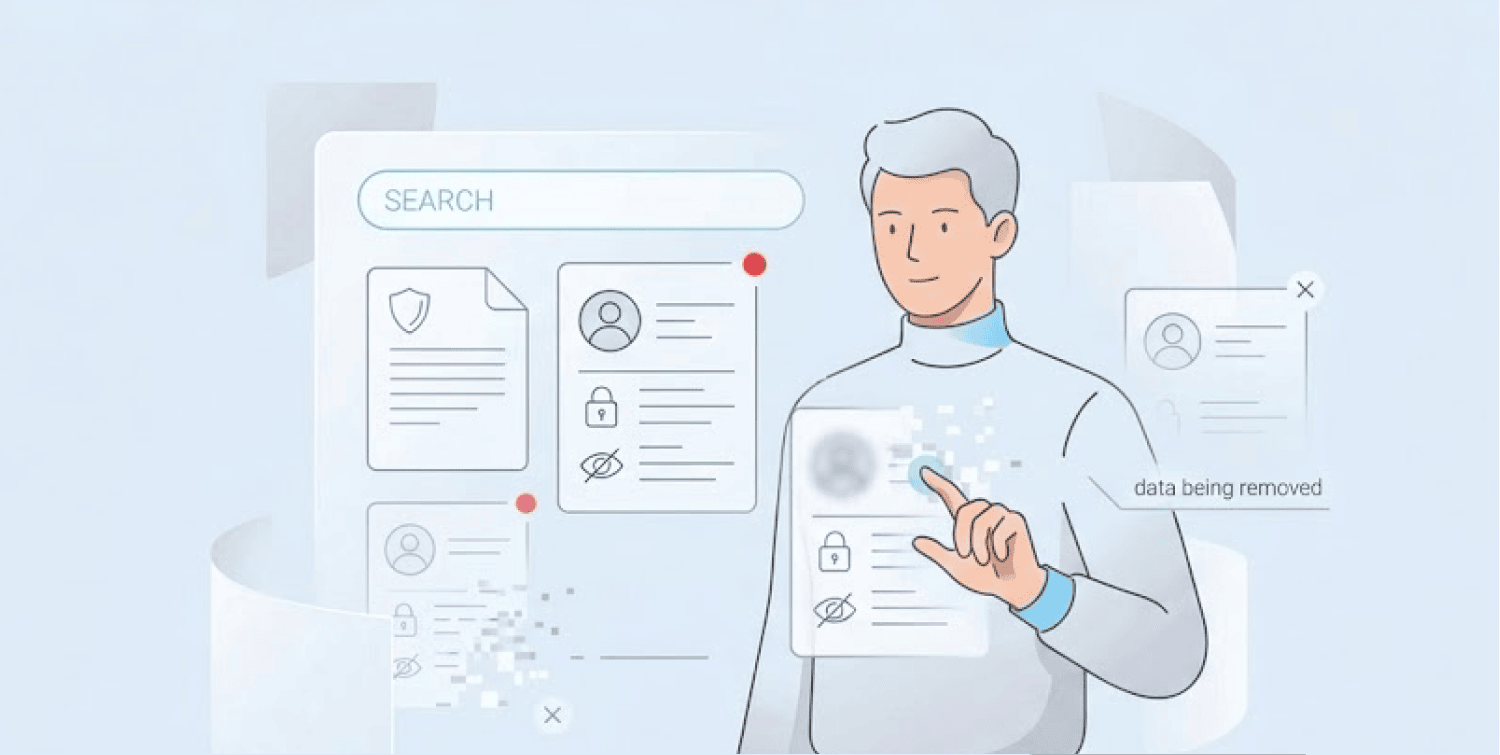
Expanded Privacy Tool – Google’s “Results about you” now lets users remove passport numbers, driver’s licenses, and Social Security numbers from search results, not just phone numbers and addresses.
-
Users can easily access the tool and request removal with just a few clicks.
-
Explicit Image Protection, the update also includes a faster way to remove non-consensual explicit images, with an opt-in feature that proactively filters out similar results in the future.
Google has made some changes to its “Results about you” tool, bearing its users’ privacy in mind. It is now easier for people to get control over what their personal information shows up as when searching for it.
This new updated tool allows you to remove more than just phone numbers, emails, and home addresses from the results; you will also be able to remove your passport number, driver’s license number, and social security number from Google results.
With more and more people falling victim to identity theft each year, this change could have come at a better time for individuals who use it.
According to the Federal Trade Commission, there were approximately 3 million consumers who reported identity theft last year, with total losses of $15.9 billion due to scams in the US.
How the new tool works
Released in February 2026, this updated feature is now available in the US and accessible via both the Google App and web browsers. To utilize this tool, go to myactivity.google.com/results-about-you and follow the instructions provided.
If you discover that a search result contains your personal information, select the 3 dots next to the search result – you will choose ‘remove result’ and provide a reason for removal. The system then scans for the information and processes the request.
There’s also a new, speedy approach to remove unauthorized explicit pictures. Google explains that users can tap on the 3 dots on any image, this will allow them to select the option “remove result,” then complete the process by selecting ‘It shows a sexual image of me’ from the options The tool also offers proactive protection – once you opt in, it will automatically identify additional explicit outcomes that might appear in similar searches.
While these removal tools are valuable, they only address what’s already public. What users can’t see, like their credentials on dark web forums, was previously monitored by Google’s now-defunct Dark Web Report, which ended automatic breach alerts in February 2026.
Why this matters for ordinary people
The need for such tools has never been greater. Data brokers constantly scavenge for people’s personal information to sell to advertisers or cybercriminals. The global market for this data is worth an estimated £250 billion, according to experts. And the dark web sales of personal data have risen by a staggering 1,253% in five years, reports from Sophos X-Ops show.
Identity theft is one of the cybercrimes that can devastate the victims in several areas besides just the impact on their bank account. The criminals can impersonate or pretend to be their targets to secure jobs, receive medical care, grab benefits from governments, skyrocket the debt on the victim’s credit card, or even cause a stolen identity to face criminal investigations. The FTC says these crimes affect millions of Americans every year.
How to protect yourself beyond Google’s tool
The expanded Google feature is only one way for individuals to be safe online. According to experts, you can implement a few simple actions to protect yourself.
- Review how much personal information returns for your name against the search engine. It may surprise you to see what returns.
- Use the Google tool for removing any sensitive information that you request.
- Also, data broker removal services are available to remove your information from dozens of public data websites at one time.
- Make sure that you have multi-factor authentication set up on all critical accounts (e.g., financial or workplace accounts) so that if someone trying to scam you finds out your phone number or email address, they will still not be able to access those accounts due to the added security that MFA provides. Generally speaking, it will be a bit easier for you to identify potential fraud this way.
The new Google security feature is now available to anyone 18 years or older. For removal requests involving minors, Google provides a separate detailed removal request form.
