
-
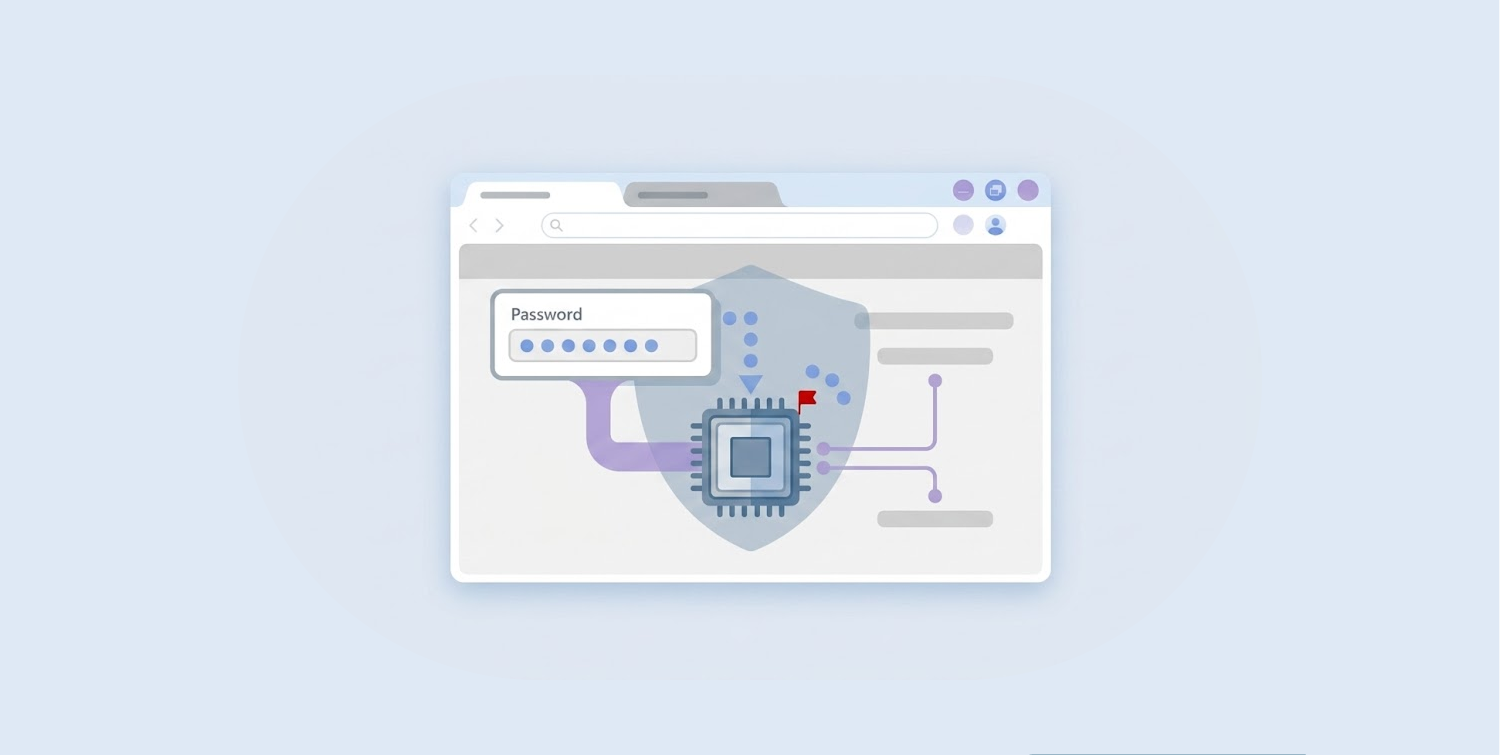
Microsoft Edge decrypts and loads every saved password into process memory at startup, keeping them exposed as plaintext for the entire browser session.
-
A security researcher tested all major Chromium browsers and found Edge as the only one exhibiting this behavior. Chrome just decrypts credentials when on demand.
-
Microsoft, upon receiving the disclosure, confirmed this as an intentional behavior.
A security researcher has caught Microsoft Edge doing something no other major browser does: loading every saved password into process memory as plaintext the moment it opens, and keeping them there for the entire session, whether the user visits those sites or not.
Researcher @L1v1ng0ffTh3L4N made the discovery after systematically testing every major Chromium-based browser for how each one handles credential storage in memory. Edge stood alone. Every other browser handled credentials with far more caution.
Edge holds all passwords open while other browsers lock theirs
The contrast with Google Chrome makes Edge’s behavior look particularly careless. Chrome only decrypts a credential at the exact moment it needs it, during autofill or when a user explicitly opens the password manager to view a saved entry. Once that moment passes, the credential does not linger.
Chrome also layers on App-Bound Encryption, which ties decryption keys to an authenticated Chrome process. Other processes simply cannot reuse those keys to reach stored credentials. Plaintext, in Chrome’s case, surfaces briefly and under controlled conditions only.
But even Chrome isn’t completely immune to credential theft. Fake Chrome extensions have been caught stealing data from over 300,000 users, proving that browser security requires vigilance regardless of which one you use.
Edge offers none of this. From the first second the browser loads, all saved details on every site within the user’s vault blows open in the browser’s process memory. Any attacker who can read that memory walks away with everything.
What makes this finding even harder to explain is Edge’s own behavior inside the browser. Edge still asks users to re-authenticate before it will show passwords inside the Password Manager interface.
Yet that same browser process already holds every one of those passwords in plaintext, fully accessible to anyone querying process memory from the outside. The re-authentication prompt, therefore, creates only the appearance of security without delivering any actual protection against memory-based extraction.
A single compromised admin account can drain an entire server’s credentials
The risk grows considerably in shared or multi-user environments such as Remote Desktop Services or terminal servers. An attacker who gains administrative privileges on such a system can read the memory of every logged-on user process at once.
The April 29 disclosure at BigBiteOfTech, made by PaloAltoNtwks Norway, included a proof-of-concept video that demonstrated exactly this. A compromised administrator account successfully pulled stored credentials from two other logged-on users, including users with disconnected yet running sessions, simply by going through the process memory of their Edge browser.
That sole admin-level jeopardy, in other words, becomes a complete data harvest on a whole multi-user setting. Security researchers have mapped this behavior expressly to MITRE ATT&CK T1555.003, the technique category covering credential theft from web browsers.
The disclosure also included a small educational verification tool that any user can run to confirm whether their own Edge browser is holding cleartext passwords in process memory. The researcher released it to encourage independent validation and raise broader awareness of the issue.
Microsoft calls it a feature, not a bug
When @L1v1ng0ffTh3L4N responsibly reported the finding to Microsoft, the company’s response did not acknowledge a flaw. According to the researcher’s disclosure, Microsoft confirmed that the behavior is “by design.”
Microsoft’s existing public documentation does note that local attack conditions can access credentials stored in browser memory. According to the company, such scenarios fall outside the browser’s threat model.
That position, however, sits uncomfortably against the reality that every other major Chromium browser has implemented protections that reduce exactly this kind of exposure, without treating it as an acceptable trade-off.
Security teams running Windows environments with Edge deployed, particularly those managing terminal servers, virtual desktop infrastructure, or any shared-access systems, should treat this as a high-priority risk.
Migrating to browsers that implement App-Bound Encryption and on-demand decryption remains the most direct mitigation available until Microsoft revisits the decision.
