
-
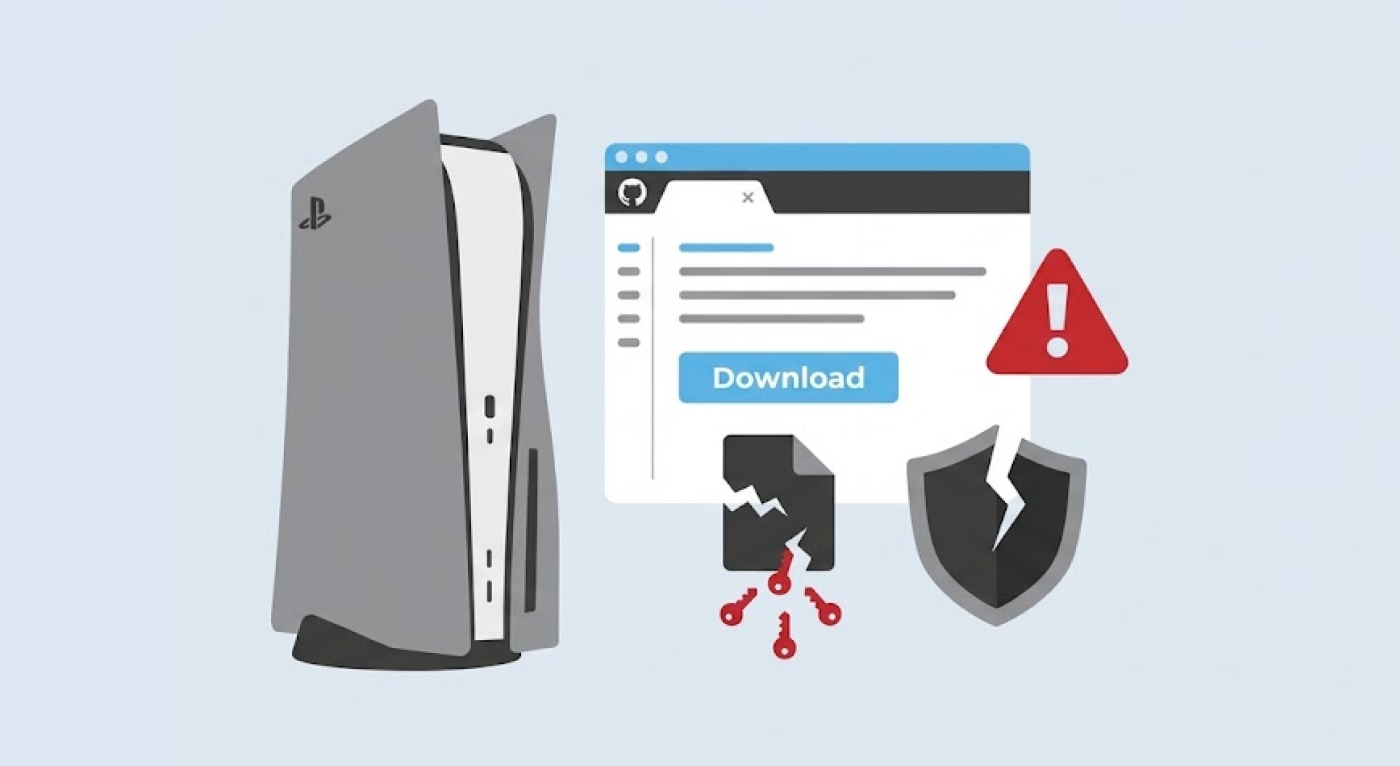
NordVPN researchers warn that fake GitHub pages copy real PS5 projects to spread malware that steals passwords.
-
The malware reportedly tells Microsoft Defender to skip certain files, steals saved data, and then deletes its own files.
-
Experts advise users to check who owns a page and to avoid unofficial downloads.
Hackers are using fake PlayStation 5 (PS5) emulator downloads on GitHub to spread password-stealing malware. Cybersecurity researchers have raised the alarm. Reports say NordVPN’s Threat Intelligence team made the findings, and they were published on October 28, 2026.
The scheme aims at gamers who enjoy testing new tools. One careless download could hand over passwords and other private data. The risk grows when a fake page looks just like the real one.
Fake pages copy real PS5 projects
According to the investigation, the bad pages copy existing PS5 projects, including KytyPS5 and AnyPS5. Their names and layouts can look genuine. That makes it easy for users to trust them. A user may then download and open a harmful file instead of the real software.
One point needs care here. KytyPS5 and AnyPS5 are real projects. The warning covers pages that pretend to be them. It does not say the real projects are harmful. The official KytyPS5 page describes the project as an open-source PS5 translation layer. The AnyPS5 team has also posted a warning about fake AnyPS5 download pages. Its genuine code sits on the real AnyPS5 GitHub page.
The attack depends on trust. People trust familiar project names and popular sharing sites. Gamers who test experimental software may also run files that carry no digital signature. That gives attackers a chance to dress up harmful programs as useful tools.
NordVPN’s chief technology officer, Marijus Briedis, explained why this group is a good target. According to Briedis, emulator fans often download experimental programs and open unsigned files. That habit makes them attractive to attackers.
How the malware works after it runs
NordVPN described the attack as a series of steps. Each step helps the malware stay hidden and finish its job.
First, the victim opens the downloaded file. The malware then reportedly adds exclusions to Microsoft Defender. These exclusions tell the antivirus tool to skip chosen files or folders during scans. Think of it as telling a guard not to check certain rooms. Depending on what the attacker picks, this can make harmful activity harder to spot.
Next, the malware launches a program that NordVPN believes works as an information stealer. This is software built to collect private data from an infected device. The reported targets include saved passwords and other personal data within reach.
Last, a cleanup script deletes the malware’s own files. This can make it harder for victims to see what happened. However, deleting files does not guarantee that every trace of the infection disappears.
People on X reacted with both worry and doubt. Some users warned about lookalike pages. Some reported fears about stolen gaming and social media accounts. Others asked whether the warning could scare people away from console jailbreaking. These comments do not prove the motive behind the campaign. They also do not confirm any single infection claim.
Steps users can take before downloading
Researchers advise users to confirm that a page belongs to the real project team. Check the account name and the page history. Look at the official project links too. A familiar title, logo, or smooth description is not enough proof. Fake downloads are not the only threat, as researchers have also warned that fake Chrome extensions stole data from more than 300,000 users.
Several warning signs can help. A newly made page is one. A short project history is another. Odd download packages should also raise concern. Users should never turn off antivirus protection just to install an emulator or any other unofficial tool.
The researchers also draw a clear line between copies and danger. An unofficial copy is not automatically proven to hold malware. Likewise, one harmful download does not make every similar page unsafe. So users should check each file and its source before opening it.
Anyone who has already opened a suspicious file should act fast. Run a security scan first. Then review the exclusion list in Microsoft Defender. Use a trusted device to change any password that may be exposed. Check your important accounts for logins you do not know. Sign out of active sessions where possible. If your passwords may have been stolen, changing them quickly is wise.
This case shows that a GitHub page is not safe by default. Check who runs a project and where it posts its official releases. That small step can keep your passwords away from software that only pretends to be an emulator.
