
-
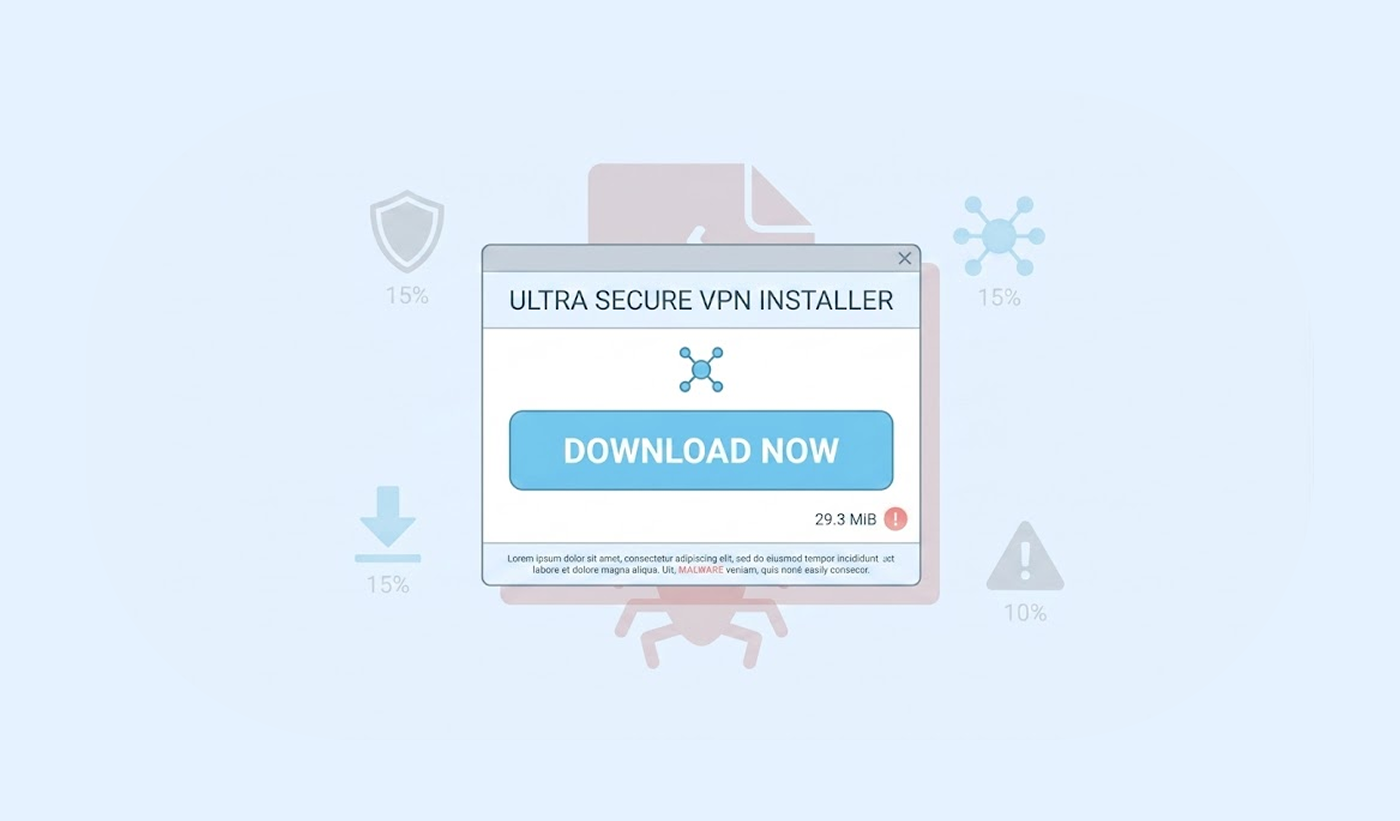
Attackers use a fake X VPN installer to drop STX RAT malware, which gives them full control over the victim’s computer including webcam, microphone, and saved passwords.
-
The intent of this attack is to exploit individuals attempting to search for ways to use the X service in restricted regions.
-
Do not download VPN programs from unverified or general in nature websites; always utilize verified providers to download VPN software.
Criminals have rolled out a new method to exploit computers. They constructed a fake VPN installation program that claims to help individuals access X (formerly Twitter) within regions that have restrictions. Rather than providing any level of security and privacy, the program deposits malicious software referred to as STX RAT onto the victim’s computer. This malware gives the perpetrators complete control of their victim’s device.
Some security research professionals initially detected this campaign. The fraudulent installation appears authentic as it contains X’s branding and mimics the appearance of a legitimate VPN application program. Unsuspecting users typically download the service via deceptive websites that appear on search engine results pages.
The primary targeted individuals on this infection will be users who are looking for ways to circumvent restrictions from their place of employment or their government on accessing X on the internet. Once installed, the damage happens quickly and quietly.
How the fake VPN installer delivers the STX RAT malware
The attacker’s method starts with search engine optimization poisoning. They push their fake download pages to the top of Google and Bing results. A user types in a query like ‘X VPN unblock’ or ‘Twitter VPN free.’ The malicious link appears right below the genuine results. Many people click without checking the web address carefully.
X itself may soon require biometric verification for users. Leaked code suggests the platform is developing a mandatory facial biometric system, adding another layer of identity verification.
After downloading the file, the user runs an installer that asks for administrator permissions. The installer displays a fake loading screen. It claims to be setting up a secure VPN connection to X. In reality, the program drops STX RAT into the system folders. Then, the malware creates a persistent backdoor, which allows the attacker to reconnect anytime without asking for permission again.
Researchers explain that STX RAT has keylogging abilities. It records every keystroke the victim makes. Also, the malware steals saved passwords from browsers – it can activate the webcam and microphone without turning on any indicator lights. The attacker can browse files, download documents, and even lock the user out of their own computer.
The fake VPN installer avoids detection by using encryption. It packs the malicious code inside a legitimate open-source VPN wrapper. Traditional antivirus tools often miss this trick because the outer layer looks harmless. Attackers also change the file signature every few days. This constant change helps them stay ahead of signature-based detection.
Who faces the biggest risk from this attack?
Regular social media users face the greatest danger. People living in countries with internet restrictions become prime targets. Journalists and activists also fall into this risk group. They often search for VPN tools to protect their communications. Attackers know these users have valuable information on their machines.
The campaign targets both Windows and macOS users. The researchers found separate variants for each operating system. Windows users get the full STX RAT payload. Mac users receive a slightly different version. That version steals browser data and iCloud keychain entries. Neither operating system offers complete protection against this specific threat.
Corporate employees who use personal devices for work create another risk channel. An infected home computer can spread the malware through office VPN connections. The attacker can move laterally across corporate networks. Several companies have already reported breaches linked to this campaign.
Users who downloaded any VPN software specifically for X in the past month should scan their systems immediately. The malware does not announce its presence. Many victims continue using their computers normally while attackers watch everything.
How to protect yourself from Fake VPN installers
Use official app stores and trusted VPN providers and avoid downloading VPN tools from random websites that appear in search results. Type the address of a trusted VPN service directly into your browser – instead of clicking links. Remember to check the URL twice before hitting enter.
Use an up-to-date antivirus program that has the features for behavior monitoring. Many of the STX RATs will remain undetected with traditional signature-based antivirus scans. But behavior monitoring checks and captures actions that indicate suspicious activities such as creating backdoors or using the webcam.
If you turned on the real time scan feature on Microsoft Defender, it can catch a majority of these behaviors. According to the European Union Agency for Cybersecurity – make sure that you always keep automatic updates enabled for all your security software.
Never grant administrator permissions to software you do not fully trust. The fake X VPN installer asks for these rights. If you cancel the permission prompt, the malware cannot install. Researchers also suggest using a standard user account for daily browsing. Save the administrator account only for installing necessary and verified software.
If you suspect an infection, disconnect from the internet immediately – then run a full system scan using an offline bootable antivirus tool. You should also change all passwords on a separate clean device, check your bank accounts and email for any suspicious activity. The STX RAT malware gives criminals complete access to the infected computer.
