To be honest, securing your online privacy can sometimes feel like a never-ending battle. And if you must win in this struggle, VPN is your sure armor. But if you’re looking for an even stronger setup, that’s where Onion over VPN comes in.
Combining VPN with Tor’s anonymity is one of those security combos that sounds like overkill, but for a lot of people, it’s a smart move. By linking to a VPN first, then hopping into the Tor (Onion) network, you stack your privacy.
If you are trying to dodge surveillance, ISPs snooping, or maybe you just want a more secure internet, this guide’s got the info you need. We’ll show you what onion is over VPN, how it works, the tradeoffs, and why it’s worth your time.
What is onion over VPN, really?
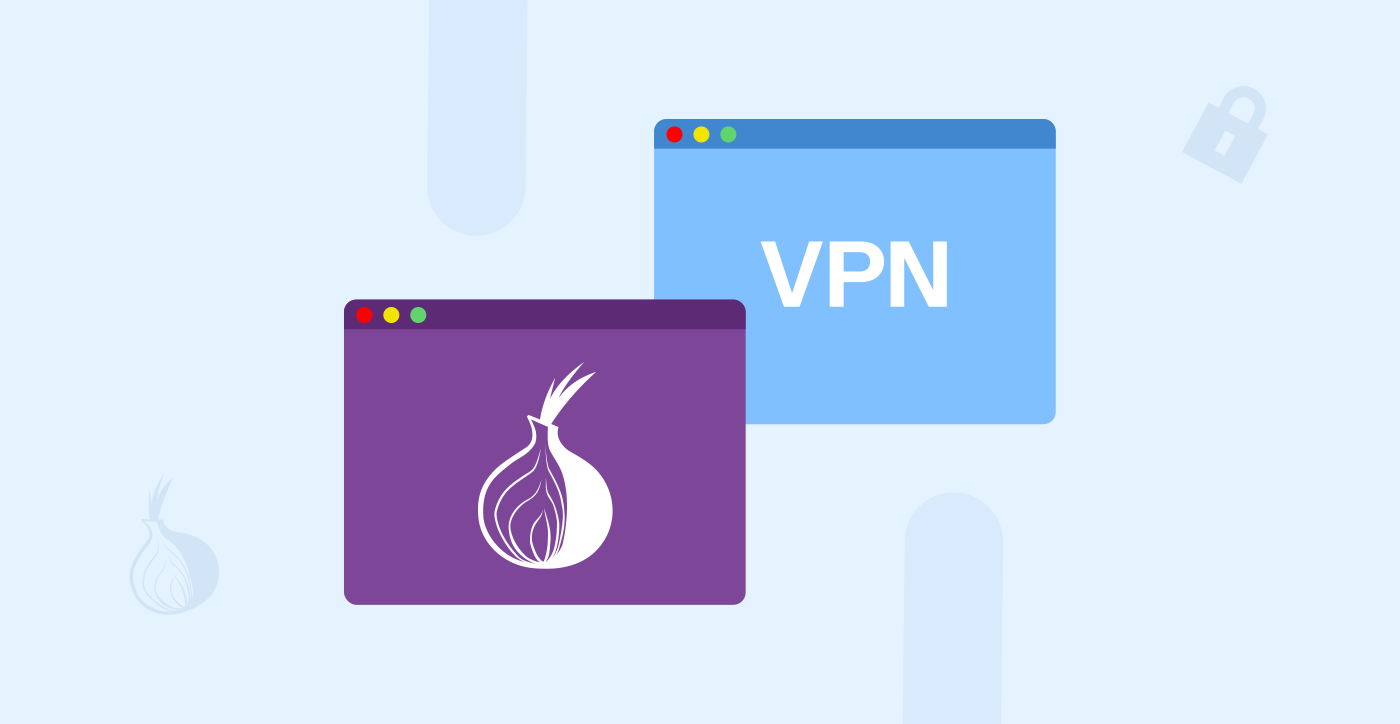
Onion over VPN, which many often refer to as Tor over VPN, combines two very strong privacy tools in a single setup. You first connect to a VPN and then launch your Tor browser.
It’s kinda like wrapping up a parcel twice. The VPN gives you the first layer of protection, and Tor then adds three more layers of encryption. More like you’re getting a double-layered cloak of privacy. However, to fully understand this, we should be discussing these two aspects separately.
First off, what is a VPN?
VPN stands for Virtual Private Network and, as the name suggests, sets up a private (end-to-end encrypted) tunnel between your device (laptop, mobile, smart TV, etc) and the server which is operated by the VPN provider. So when you have a VPN on, it does these two things for you:
- Hide your IP address: It’ll assign you a new IP, so when you visit a website, the site will only see the IP belonging to the VPN’s server, not yours.
- Encrypts your traffic: Your internet traffic will pass through that secret tunnel. So, your ISP or anyone who’s looking or sharing the same network as you won’t be able to see what you’re doing.
If you’re using a VPN, it’ll act as your first and most important line of defense for your everyday privacy online.
And what is the Tor Network?

The Tor (an abbreviation for The Onion Router) network is designed to offer you the best possible anonymity. If you are using Tor, instead of your data traveling directly to the website you’re visiting, it will bounce your traffic through at least three different volunteer-run servers chosen randomly. These servers are called “relays” or “nodes.”
As your communication travels through each of these relays, a single layer of encryption is removed so that the relays know where to send the communication next. It works in a similar manner to peeling away layers of an onion, which is how it even received its name.
Watch how these three relays, or nodes, work together:
- Entry node (guard node): The first connection point to receive the encrypted data.
- Middle node (relay node): Peels off one encryption layer to pass along the data.
- Exit node: Take off the final layer of encryption before sending your traffic to its destination.
Now, the beauty of this technique is that no single relay knows both your real/original IP address and your final destination. Both VPN and Tor are two powerful tools for securing your privacy online. Imagine what’ll now happen when you combine them…the outcome is super impressive!
How does onion over VPN work?
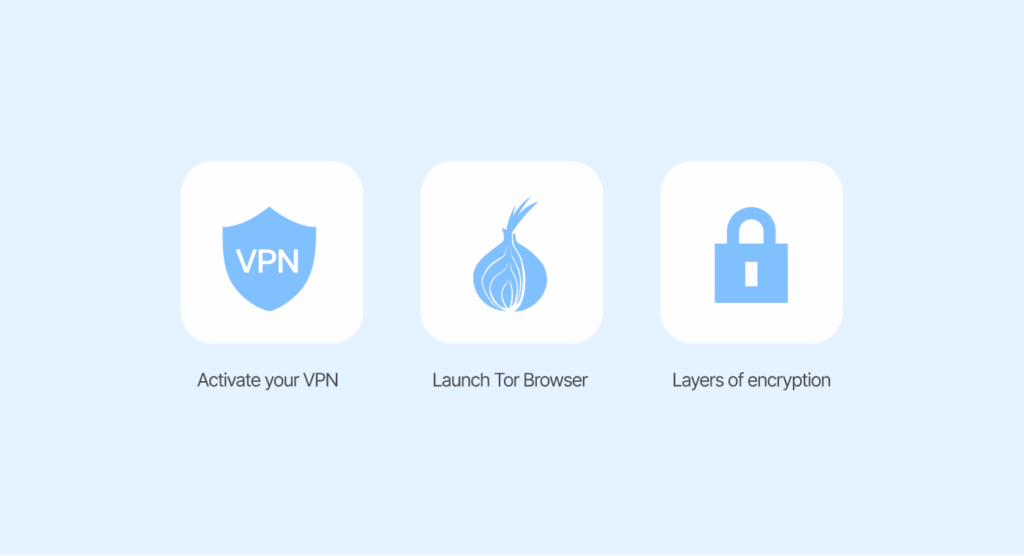
When you use the Onion over VPN setup, this is what the process will look like:
- Activate your VPN (we recommend using NordVPN, as it offers an option for Onion over VPN) and connect to a server. This hides your IP from your ISP and scrambles your traffic.
- Once in the secure tunnel of the VPN, launch Tor Browser.
- As your traffic enters the Tor network, it begins to bounce through the three relays, with each adding and removing layers of encryption.
- The Tor exit node then connects to the website you intend to visit.
The website you’re going to will think the traffic is coming from a random Tor exit node. And as for your ISP, all they’ll see is a scrambled connection to the server of your VPN provider. By doing this, you have created a very strong privacy barrier; it’ll be hard for even the best hacker to crack it.
Onion over VPN vs. VPN over Tor: The difference?

Hooking things up in the right order? It matters way more than you’d think:
- Onion over VPN (this is what we’re focusing on here): First, you connect to your VPN. Then you use Tor. Your VPN provider sees your real IP, but Tor doesn’t. The websites you visit only see the Tor exit node—nothing more. And the cherry on top – it’s much easier to set up and works just fine with most VPN providers.
- VPN over Tor: Flips things around. You connect to Tor first, then your traffic goes through a VPN. It’s trickier to set up and has its own pros and cons. Here, the Tor entry node knows your IP, but your VPN provider doesn’t. Exit nodes can’t see your traffic because the VPN will mask it. The sites you visit just see the VPN’s IP address.
But the major challenge with this setup is that your ISP can still see you’re using Tor; it’s a bit harder to configure, and there are only a few VPNs that support it. The Tor Project says don’t use VPN over Tor. So, if you do, your IP and what you do online can be traced to your ISP, which ruins Tor’s goal: keeping you anonymous.
So, which setup wins? Stick with onion over VPN. It’s simpler, safer, and keeps you more anonymous. The only time VPN over Tor really makes sense is if you’re trying to reach sites that Tor exit nodes block. Even then, it’s usually not worth the hit to your privacy. For most people, onion over VPN does the job.
Is onion over VPN safe?

It’s what everyone wants to know! Using a VPN prior to jumping into the Tor network can add to your privacy and security compared to just using Tor by itself. You can think of it like adding another lock to your door. So yes, Onion over VPN can help make Tor safer.
That said, don’t lean on it too much. Onion over VPN is good for hiding your browsing from the snooper in front, I mean, an ISP can’t know you’re using Tor, and that VPN provider doesn’t know what you are doing. Either way, it’s not a complete invisibility cloak to protect you from other risks (like a bad exit node), and it requires a lot of your trust if you’re running a VPN.
So, is it “safe?” Yes, it’s safer against some threats. But there are obvious risks, like the fact that it is extremely slow and inconvenient.
Most importantly, your security depends heavily on the VPN provider you choose. This is precisely why a reputable, paid VPN is non-negotiable for this setup (a point we explore in depth in this guide when comparing free vs. paid VPN). We would only recommend using this if you really need to be as secure as possible and don’t mind sacrificing a lot of speed in doing so.
Benefits of onion over VPN

Why bother with both onion and VPN? For some folks, the payoff is huge:
Stronger encryption
In the event that a Tor node is compromised, fails, or is terminated, you can simply sit back and relax since the VPN keeps your data protected. It’s similar to a backup plan, whereby even if one security solution failed, you still had another layer of protection. The law of adding an additional layer of protection makes it very difficult for anyone to observe and spy on what you are doing.
Keep your Tor use private
Governments and ISPs keep an eye out for people using Tor. Fairly or not, they link it with the dark web. With onion over VPN, your ISP only sees you talking to the VPN. They have no clue you’re actually on Tor.
Get around Tor bans
Countries – think China, Belarus, Turkey – have banned the use of Tor. Want to dodge the Tor ban? Link up with a VPN first, pick a server in another country not banned. Then you can get to Tor just fine!
Hide your real IP from entry nodes
The Tor entry node is a weak spot. If someone is watching, they will see your real IP address. Unless you are using a VPN. With onion over VPN, the entry node just sees the VPN’s IP, not yours. You stay anonymous.
Defends against bad Tor exit nodes
While the chances are slim, a bad Tor exit node could potentially spy on your traffic. However, if you’re using a VPN, the traffic is still encrypted between you and the VPN server, so the exit node is much less likely to see anything of use.
Access sites that block Tor
Some websites shut the door on Tor traffic. But when you connect to a VPN first, those sites don’t know you’re on the Onion network. Suddenly, you can get in.
Extra malware protection
A VPN’s firewall helps block bad ports and cuts off certain types of malware. It’s not a full antivirus, but it does throw up another roadblock, especially against ransomware that targets open ports.
Defend against traffic analysis
Sometimes, attackers try to ID users by watching traffic patterns—stuff like timing and volume. Onion over VPN makes this much trickier. Your real IP stays hidden the whole time. If anyone is able to figure out your VPN’s IP, they still won’t be able to know who you really are unless the VPN provider tells them.
Easy setup with specialty servers
Some VPNs make everything even simpler. You don’t have to download the Tor browser—just connect to an Onion Over VPN server (NordVPN offers this), and you can use any browser you like. That’s all it takes.
Drawbacks of onion over VPN

Let’s be real—nothing’s perfect, and onion over VPN has its own headaches:
Performance tanks
This one stings. Onion over VPN is slow. Your data has to jump through a VPN server, then three Tor nodes, and every hop adds more lag.
It’s not just a little delay; it’s “why isn’t this page loading yet?” kind of slow. Streaming? Not happening. Even plain old web browsing turns into an exercise in patience.
Your VPN knows you’re using Tor
Certainly, a VPN cannot see your Tor traffic, but it certainly knows you are on Tor. So if your aim is to guarantee that no one knows you are using Tor, then this use case is lacking your VPN service will know that you are using Tor. A company you trust will only provide anonymity while surfing the web when they do not keep logs.
Takes some technical know-how
VPNs are easy. Tor is pretty straightforward, too. But putting them together? That’s where things get tricky. This may seem complicated if you don’t know your way around with settings, so to be safe, it’s better if you know what you are doing and why you’re doing it.
Risk of UDP data leaks
Here’s a technical wrinkle: Tor only works with TCP. Stuff that needs UDP, like voice calls—skips Tor. Your IP address can be revealed in certain attacks. The upside is that your VPN is still encrypting that data so you’re not completely exposed, but it’s not bulletproof.
Websites might block Tor exit nodes
A lot of sites just don’t like Tor exit nodes. Some will slam the door in your face, even if you’re using a VPN. Banking sites, streaming services—they often block Tor traffic to stop fraud or piracy. So, you might still find yourself locked out.
You’re not completely anonymous
Let’s not kid ourselves. There’s no such thing as perfect anonymity online. If someone with enough power and resources—think government agencies—wants to find you, they probably will. VPNs can be forced to hand over records. Onion over VPN makes things a lot harder for snoops, but it’s not magic.
Onion over VPN safety precautions
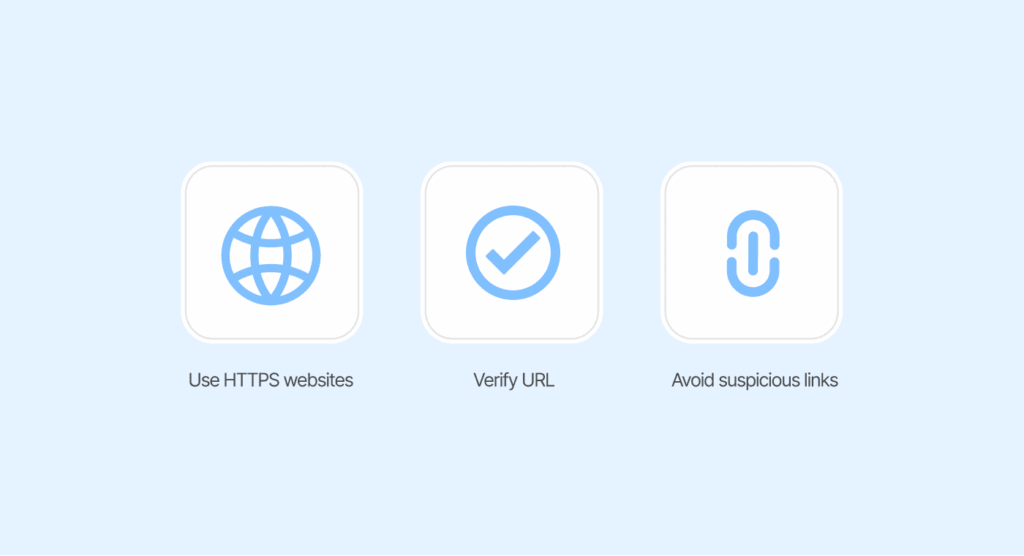
When using Onion over VPN, keep these tips in mind to stay safe:
Use HTTPS websites
When you’re hitting up a website, just peep the address bar for a padlock icon and that https:// at the beginning. That’s how you know things are secure. HTTPS makes your connection safe. Without HTTPS, the last server your information passes through can see what you are doing, even with Onion over VPN.
Verify URL
Some people will create fake but convincing websites. Before typing anything in, verify that the URL is legitimate. Does that look okay? Be especially wary of typos – if it seems wrong, it is wrong.
Do not click on just any link
The dark web can be dangerous, so it is a good policy to stay away from random links. This is the easiest way to not be scammed or download any bad software. Instead of clicking random links, use trusted directories and specialized search engines. We’ve reviewed the safest and most effective dark web search engines.
Always use the Tor browser and tweak the settings to the ‘safest’
The Tor browser is specifically built to protect you against fingerprinting. Do not try routing other browsers through Tor, as you would leak data and undermine the whole process.
Use strong, distinct passwords
Every account that you own should be unique. Do not use the same password for every account. Trying to remember a million of them is for masochists. Just get a password manager.
Let it whip up some wild passwords for you, way harder for hackers to guess. Oh, and two-factor authentication? Always. If it’s an option, turn it on. Makes life a pain for anyone trying to mess with your stuff.
Get yourself a legit antivirus
The dark web isn’t just a neon cyberpunk playground—it’s filled with unauthorized and illegal items, hackers, and more viruses than a daycare during flu season. Using a VPN and Tor is a good start, but let’s face it, that isn’t enough.
You should definitely have solid antivirus protection, automated updating, etc. Don’t settle for some outdated free version; your security deserves better. Trust me, you don’t want to find out the hard way what happens if you click the wrong link down there.
Keep information private
When using Tor, never log into your personal accounts or send emails from your personal email account. If you are using Tor to achieve anonymity, anything that connects you to who you are defeats the purpose of using Tor over VPN.
Keep your VPN active
You should be diligent about using the VPN whenever you are using Tor. If the VPN suddenly drops, your actual IP will be out there for everyone. You need a VPN that has a kill switch. If for any reason the VPN fails, your internet just… stops. No slump in leaks, no “oops, I am on public display.”
Choose a trustworthy VPN
Don’t just grab the first VPN you see, either. Some of them talk a big game about “no logs,” but who actually knows? Trust is everything here, so do a little digging before you commit.
NordVPN has been audited and has a real commitment to a no-log policy. In addition, NordVPN is headquartered in Panama, beyond the 14 Eyes countries. Read plenty of material on the service to ensure you are alone when considering handing over user information.
Onion over VPN vs other VPN privacy features
How does this powerhouse compare to other privacy features your VPN might provide? Let’s dig in.
Onion over VPN vs Obfuscated VPN
An obfuscated VPN is all about hiding the fact that you are using a VPN. It conceals your VPN traffic to make it look like normal Internet data. This is clever and certainly gets around VPN blocks in restrictive countries and on networks that block them.
- Use an obfuscated VPN when: You need to bypass a VPN block in order to gain access to some basic restricted content, or use your regular VPN services.
- Use onion over VPN when: You want total anonymity and are willing to trade off speed for it.
Onion over VPN vs Double VPN
Now, about Double VPNs (sometimes people call them “multi-hop”). Instead of routing your data through just one VPN server, they send it through two. That means your data gets encrypted twice. Extra protection, plain and simple.
- Use double VPN for: A bump in privacy over a standard VPN for sensitive activities like banking – but without the massive-speed degradation of Tor.
- Use onion over VPN for: The gold standard in anonymity and accessing the web via the Tor network.
Onion over VPN vs P2P
Want to get the lowdown on P2P VPNs and when they come in handy? It’s actually pretty simple. P2P VPNs are specifically designed for “peer-to-peer” use, or file sharing/torrenting.
When you download or share files with others, P2P VPNs will simplify the process and allow some degree of privacy. You want reasonable speeds and a VPN that allows and supports such activities on specific servers. Onion over VPN is not meant for torrenting and will have unbelievably slow speeds.
How to use onion over VPN safely

Are you ready to fire up the setup? There are basically two main paths you can explore:
The simple way: Connect using a VPN with a built-in feature
Some VPN providers (like NordVPN) offer a dedicated “Onion over VPN” server feature. This is easily the simplest method.
- Pay for the VPN of your choice that supports this, like NordVPN.
- Go to the menu (those three horizontal lines).
- Locate and select “specialty servers” and choose the “Onion over VPN” server, then connect.
- Connected to that server, you are free to open your normal browser and will be routed through both the VPN and the Tor network.
You won’t need to use the Tor Browser for this method; however, it is still considered best practice to use one if you are looking for maximum protection.
The manual way: VPN + Tor Browser
Using a VPN combined with Tor is the traditional way to use the Tor network, and it will work with any VPN out there.
Step 1: Find a VPN that doesn’t keep logs
Seriously, this matters. You want a service that doesn’t track what you’re doing online—no records, no headaches.
Step 2: Download and install the VPN
Just pick a solid VPN—NordVPN’s a safe bet, but honestly, any big name works. Register an account, and download the application to your device.
Nearly every decent VPN has an app for your computer or phone, doesn’t matter if you’re a team Mac or chilling with Windows. You’ll be up and running in, what, a minute? Maybe less if you’re not distracted by cat videos.
Step 3: Connect to VPN
Launch the application and select a server. For better speeds, go with one that’s near where you actually are. Less distance means your data gets where it needs to go faster. Less distance = faster connections (using onion over VPN, it’s going to be slow).
Step 4: Download Tor Browser
Now, for Tor, hit up torproject.org and grab the right version for your device. Don’t mess around with random links—get it straight from the source, or you’d be risking malware. People have made fake Tor browsers that are dangerous.
Step 5: Install and open Tor
Just follow the setup steps. Once Tor’s ready, open it up—but make sure your VPN is still running. That’s it, you’re all set up with onion over VPN. Nice work.
When to use onion over VPN?

Let’s not beat about the bush and go straight to the point. Who needs this level of security? This setup is essential for anyone planning to safely explore the dark web, and we’ve curated a list of the most interesting and legitimate starting points in our guide to the best dark web sites.
You’re a freelancer or whistleblower
If you’re handling sensitive information or sources, then the onion over VPN approach is the way to go. It keeps you and the people you’re in touch with safe. A single leak could place lives in danger. The slowdown is worth it.
You’re living in a place where they’re super strict about what you can see online.
The government’s all up in your internet business. Activists and dissidents need to put up the ultimate protection. The onion over VPN process will give you the ability to circumvent restrictions and communicate securely.
You’ve decided to research sensitive topics
Some topics in research attract attention nobody wants. Security researchers, human rights investigators, and privacy advocates often use the onion over VPN phraseology. It’s really about keeping your work and sources safe.
Anonymity really matters
If exposure would cause harm (legal problems, potentially dangerous situations, or loss of a job), you need to use the onion over VPN format. In this scenario, the stakes are high enough to endure the choke point.
When not to use onion over VPN
Most people probably don’t need this kind of high-level protection. If you’re just doing regular surfing of the web, a normal VPN should do the trick. So, when is Onion over VPN not needed?
- You are casually browsing: If you are scrolling through social media, reading up on current events, or shopping, a standard VPN is enough protection. Using onion over VPN can be overkill for general browsing.
- You are streaming or gaming: If you are streaming or gaming, speed is important. Onion over VPN can slow your speed down exponentially, while a fast VPN server will give you the speed you need. If you are streaming or gaming, there is no need to use onion over a VPN.
- You are using personal accounts: If you are logging into Facebook or Gmail, using onion over VPN defeats the purpose of Tor because those sites already know who you are. In this instance, the protection of a regular VPN will protect your privacy without the lag.
- You value convenience over anonymity: Onion over VPN is not a convenient option. Pages take longer to load. Videos take longer to play. If you are not in a high-risk situation, the inconvenience factor is just not worth it.
Conclusion
Is onion over VPN for everyone? Absolutely not. This tool is not designed for everyday browsing. Look, if your main goal is just watching Netflix shows from another country, grab something like NordVPN and call it a day.
But if you’re a journalist, an activist, or someone who needs to be seriously off the grid—like, “I don’t want anyone knowing what I had for breakfast” kind of private – yes, this setup is on a whole other level. We’re talking Fort Knox for your internet life. It will give you peace of mind by obscuring that you are using Tor and will keep your IP hidden from the Tor network.
Just keep in mind the drawbacks — speed and having to trust your VPN provider without question. Use it appropriately and follow the safety measures, and you will have one of the best public/privacy setups available. If you want to boost your privacy right now, try NordVPN; they give you a 30-day trial without risk. Give Onion over VPN a chance and see how it feels. Until next time. Your privacy really does matter.
FAQs
Nothing really is 100% secure. But Onion over VPN is very private, making it really, really hard for your activity to be traced. It would require someone with really good hacking skills to get into both the VPN and Tor to successfully track you.
It is the most secure in theory, but slow. Regular VPNs are completely sufficient for most streaming devices, such as Netflix, etc. Use Onion over VPN if you want to be sure to be extra private.
Sure, just get a VPN app (think NordVPN), then connect to a server, get Tor Browser for Android or any Tor-ready browser for iPhone. Super easy.
It is legal in most of the world. It is just a tool. Just be smart about what you do online, and know the laws where you live.
Data goes from a VPN server, through a number of relays over Tor, and takes a good while.
A safe bet is NordVPN. It has designated servers, good speeds for Tor, and very good security. ExpressVPN and Private Internet Access are also good options.
Nope. It knows you’re on Tor, but your actual activity is hidden. The key thing is to grab a VPN that seriously doesn’t keep logs.
Yes. Your Internet Service Provider and the Tor entry node will see your VPN’s IP address. The exit node will see the Tor IP address. Your real IP address will be hidden, unless you leak it through your VPN.